1
Image Analysis Tools-FMBIO
4.
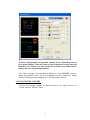
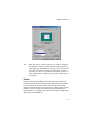
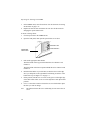
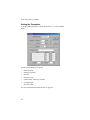
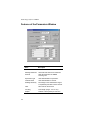
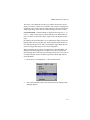
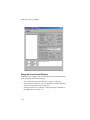
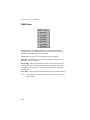
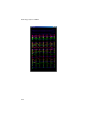
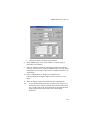
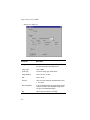
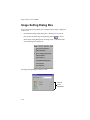
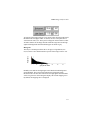
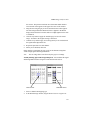
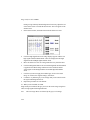
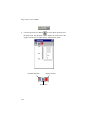
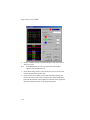
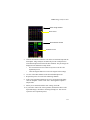
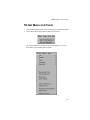
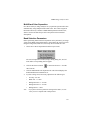
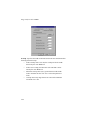
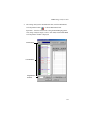
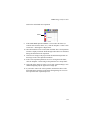
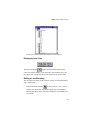
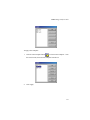
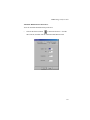
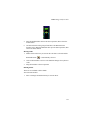
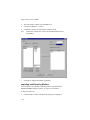
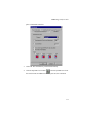
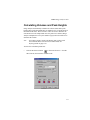
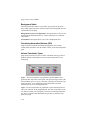
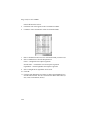
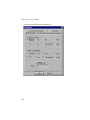
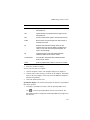
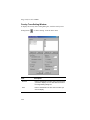
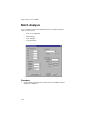
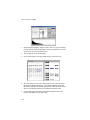
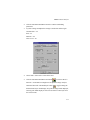
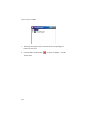
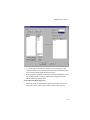
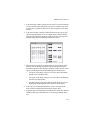
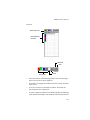
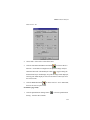
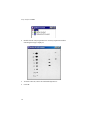
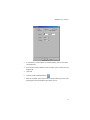
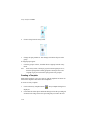
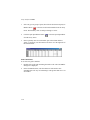
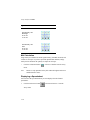
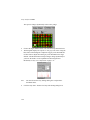
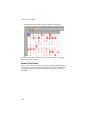
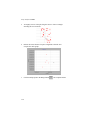
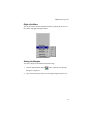
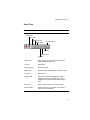
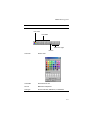
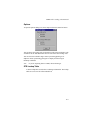
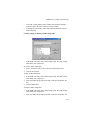
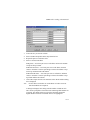
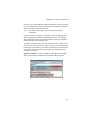
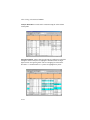
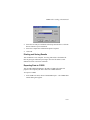
Select the marker template from the Marker list.
5.
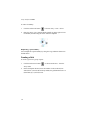
Click the Set Marker to >>button.
6.
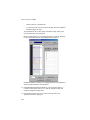
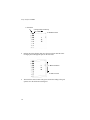
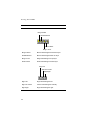
Continue this process for each marker or marker group.
Note
7.
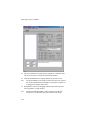
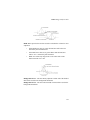
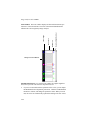
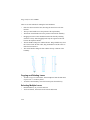
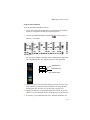
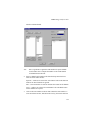
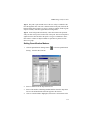
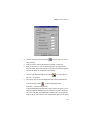
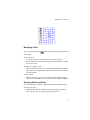
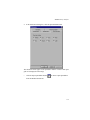
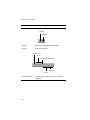
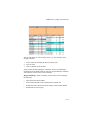
To deselect a marker lane, remove the checkmark adjacent to its
lane number.
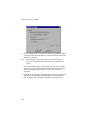
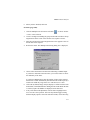
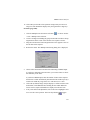
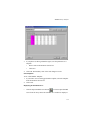
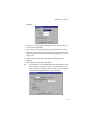
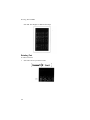
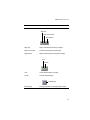
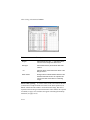
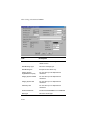
Click OK to complete the marker registration.
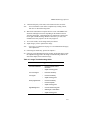
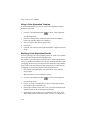
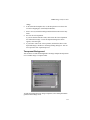
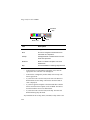
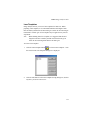
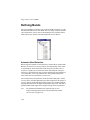
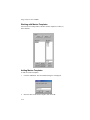
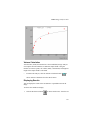
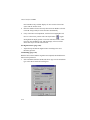
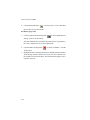
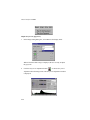
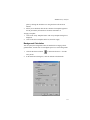
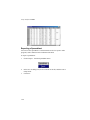
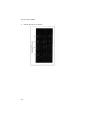
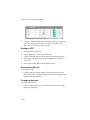
You can import a set of markers, including markers exported from the
Macintosh FMBIO Analysis software, or export a set of markers.
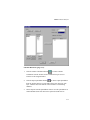
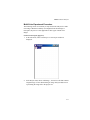
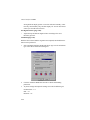
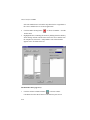
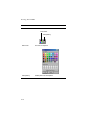
To import a marker set:
1.
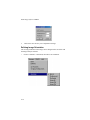
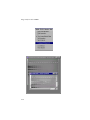
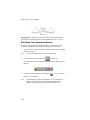
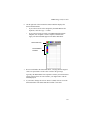
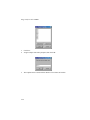
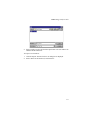
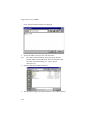
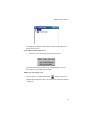
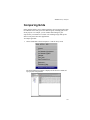
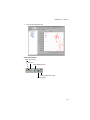
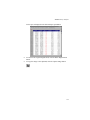
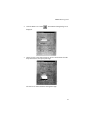
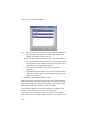
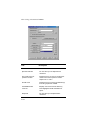
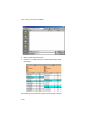
Click the Import...button. The Open File dialog box is displayed.
5-70