1
sano_1_3873_4.pke
IP Link® De vice Interface
Communication Sheet
Revision: 6/30/2010
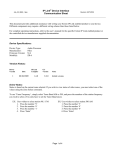
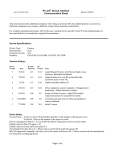
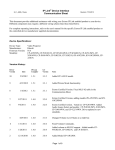
Cable and Adapter Requirements:
See illustration below.
Notes for the Device:
• By default, the projector’s power management is set to be in Eco mode. In order to use the RS232
communication, you need to change the following settings:
o Set Eco Mode to Off.
o Set Eco Standby Power to Off.
o Set RS232 Mode to RS232
Please refer to the owner’s manual for more information.
Serial communication:
Port Type : RS-232
Baud Rate: 9600
Data Bits: 8
Parity: None
Stop Bits: 1
Flow Control: None
Pin Assignments Diagram:
Note: Captive screw connector may also be used as a serial connection.
General Notes:
Page 5 of 5