1
GRAPHICS TUTORIAL
ii. How To Copy Parts of An Image Into Another Image:
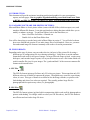
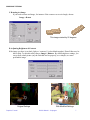
To copy part of an image from into another image, make sure that both image files are open, then
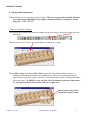
choose the select icon from the tool bar.
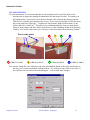
Now use your cursor to draw a box around what you want to cut or copy (see below).
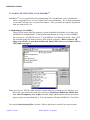
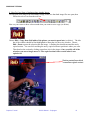
Choose Edit > Copy, then click inside of the picture you want to paste into (see below). The title
bar of the window should be blue/highlighted to show that it is the active window. Choose
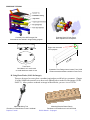
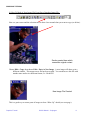
Edit > Paste to paste the selection into the image. A flashing box should surround the newly
copied section. You can click and drag the newly copied section to position it where you want.
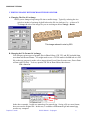
Then deselect the section by clicking somewhere else in the picture. Once you click off of the
selection, you can no longer move it! The copied sections will overwrite what it was
copied over!
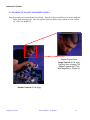
Section pasted here which
overwrites original content
Graphics Tutorial
© 2001 Martin L. Culpepper
10