1
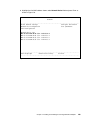
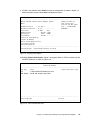
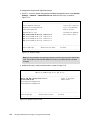
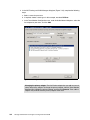
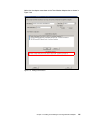
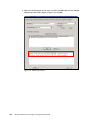
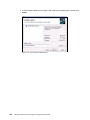
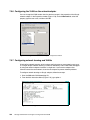
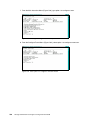
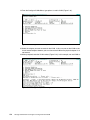
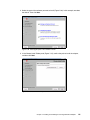
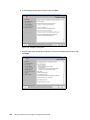
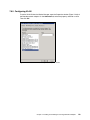
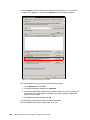
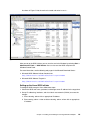
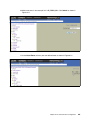
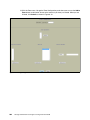
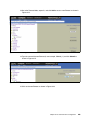
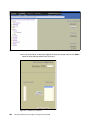
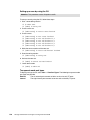
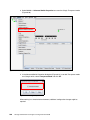
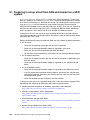
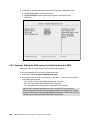
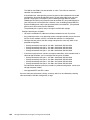
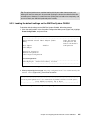
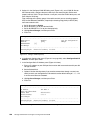
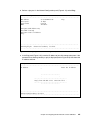
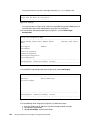
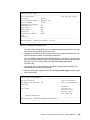
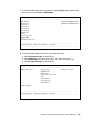
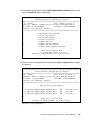
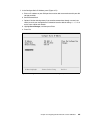
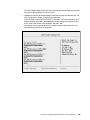
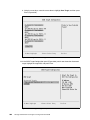
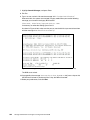
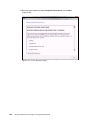
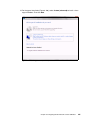
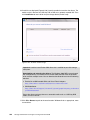
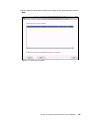
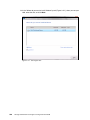
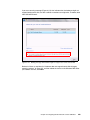
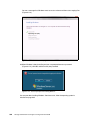
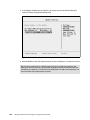
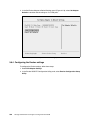
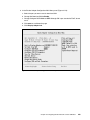
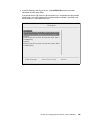
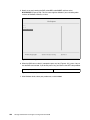
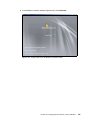
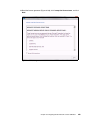
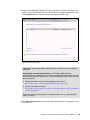
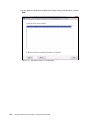
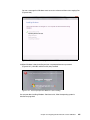
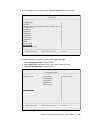
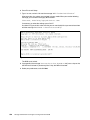
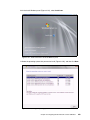
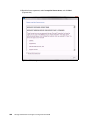
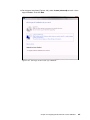
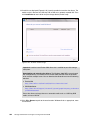
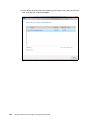
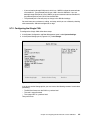
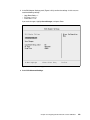
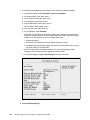
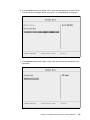
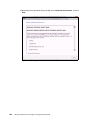
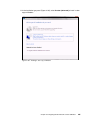
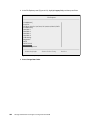
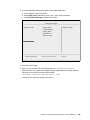
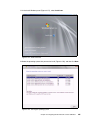
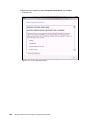
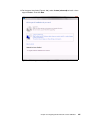
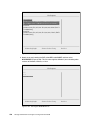
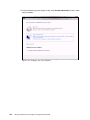
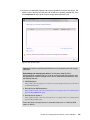
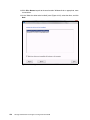
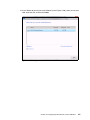
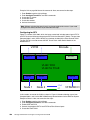
9.6.8 Installing Windows 2008 x86 in legacy mode Tip: This installation does not apply to Windows 2008 R2. To install Windows 2008 x86 (32 bit) SP2, follow these steps: 1. Boot from the media by using the desired method (UEFI or legacy). When possible, use the most current version of the media with the service pack level or latest update level. 2. If needed, input drivers for the storage devices. 3. Select a storage device (disk) to install the operating system. If your operating system supports UEFI, install in UEFI to take advantage of the performance, faster POST time, and bigger boot disk size available through GPT. The following operating systems are UEFI-compliant at the time that this book was written: Windows 2008 x64 and Windows 2008 R2 (x64) Linux SLES 11 SP1 RHEL 6 VMware 5 Installation mode: These operating systems can be installed in UEFI mode and legacy mode. Boot the media in UEFI to install in UEFI, or boot the media in legacy mode to install in legacy (BIOS) mode. The following operating systems are some of the most popular legacy-compliant (BIOS) operating systems: Windows 2008 32-bit versions Windows 2003, 2000, and earlier VMware 4 and earlier Linux RHEL 5 and earlier SLES 10 and later Novell NetWare Check the operating system specifications to determine whether your operating system supports UEFI. For all other non-UEFI compliant operating systems, see this section to install in legacy mode. Tip: When you install these operating systems, make sure that you have the latest version of your operating system. If you want to install Windows 2008, to avoid issues and to save time when performing future updates, ensure that you have the latest media with the latest service pack built into the DVD. 9.6.9 Optimizing the boot for legacy operating systems To optimize the boot for legacy operating systems, follow these steps: 1. During start or POST, press the F1 key. 2. In the System Configuration and Boot Management panel, select Boot Manager. 3. In the Boot Manager panel, select Add Boot Option. 356 Storage and Network Convergence Using FCoE and iSCSI