1
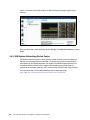
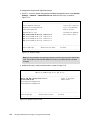
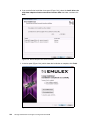
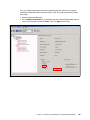
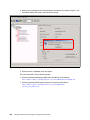
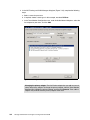
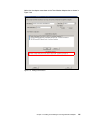
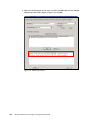
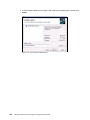
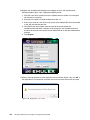
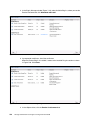
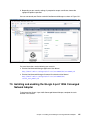
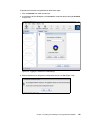
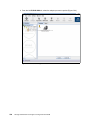
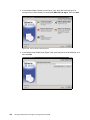
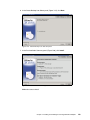
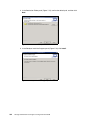
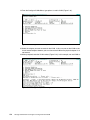
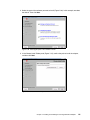
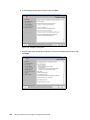
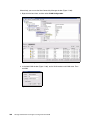
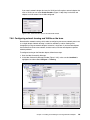
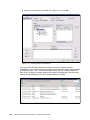
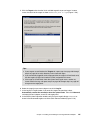
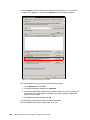
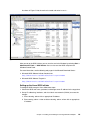
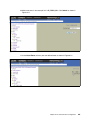
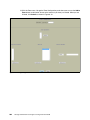
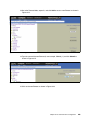
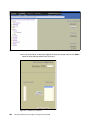
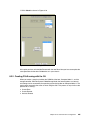
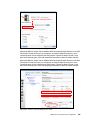
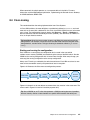
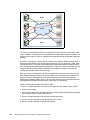
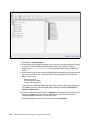
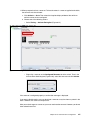
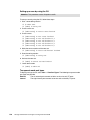
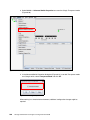
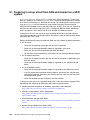
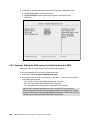
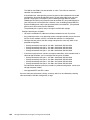
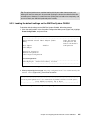
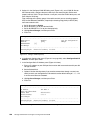
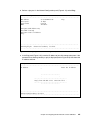
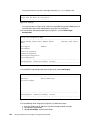
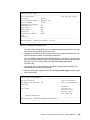
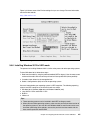
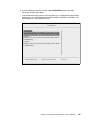
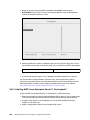
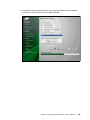
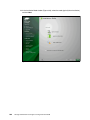
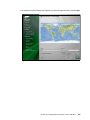
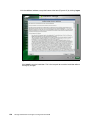
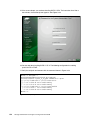
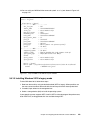
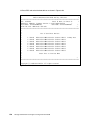
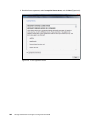
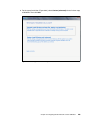
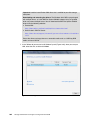
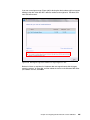
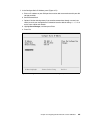
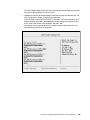
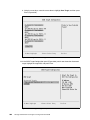
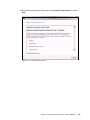
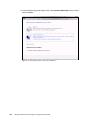
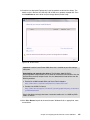
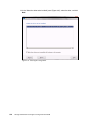
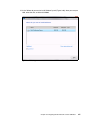
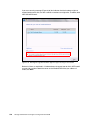
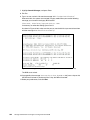
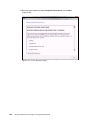
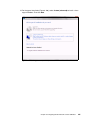
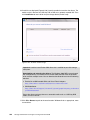
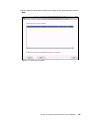
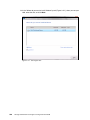
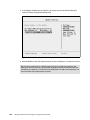
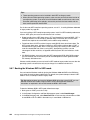
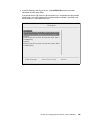
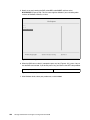
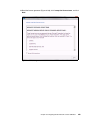
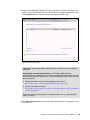
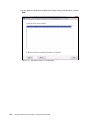
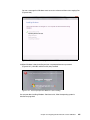
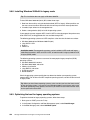
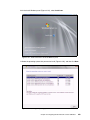
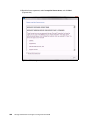
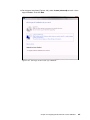
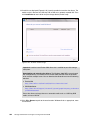
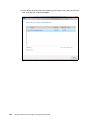
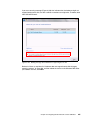
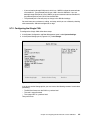
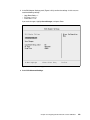
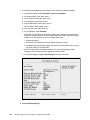
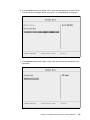
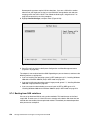
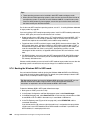
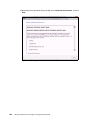
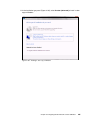
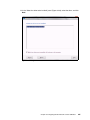
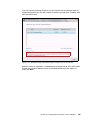
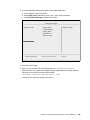
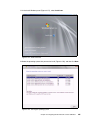
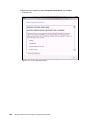
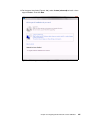
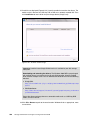
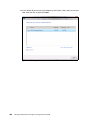
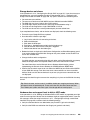
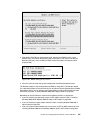
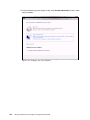
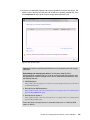
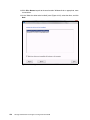
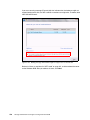
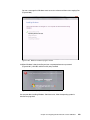
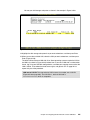
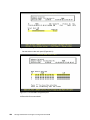
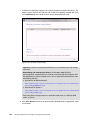
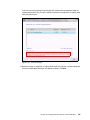
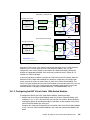
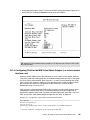
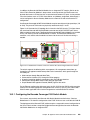
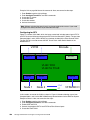
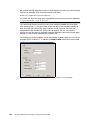
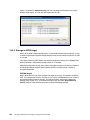
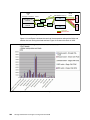
15.If no disks are displayed (Figure 9-181), insert the media that contains the drivers. The media can be in the form of a USB key, CD, or DVD, on a remotely mounted ISO. Then click Load Driver to load a driver for your storage device (QLogic card). Figure 9-181 No drives found message Important: Load the latest QLogic CNA driver that is certified for your disk storage subsystem. Downloading and extracting the drivers: The Windows 2008 DVD is prepackaged with multiple drivers, but no driver for the QLogic CNA controller. Also the updated driver resolves multiple issues. You can download the blade drivers from the following websites: QLogic IBM: http://driverdownloads.qlogic.com/QLogicDriverDownloads_UI/IBM.aspx?compa nyid=6 IBM BladeCenter: http://www.ibm.com/support/fixcentral/systemx/groupView?query.productGrou p=ibm%2FBladeCenter Extract the drivers and copy them on a removable media such as a USB key, DVD media, or into an ISO file. 16.Click OK or Browse to point to the exact location. Windows finds an appropriate, more current driver. 398 Storage and Network Convergence Using FCoE and iSCSI