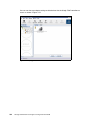
1
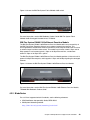
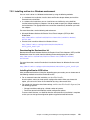
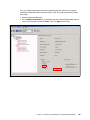
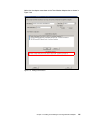
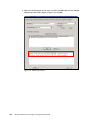
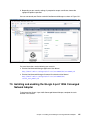
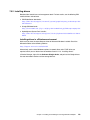
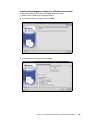
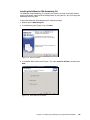
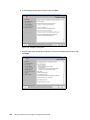
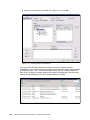
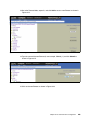
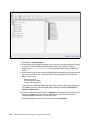
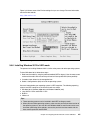
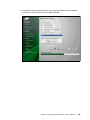
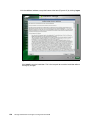
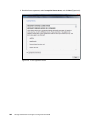
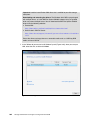
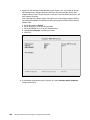
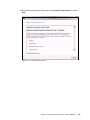
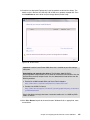
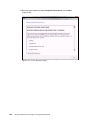
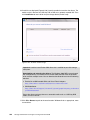
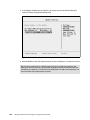
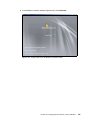
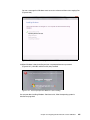
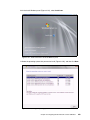
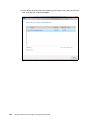
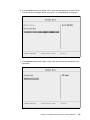
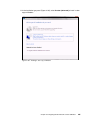
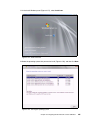
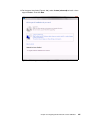
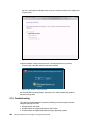
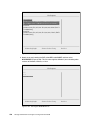
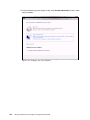
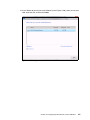
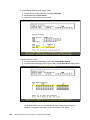
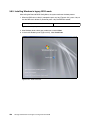
11.In the Install Windows panel (Figure 9-177), select Install now.
Figure 9-177 Install now button
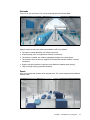
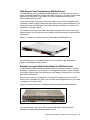
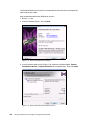
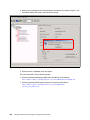
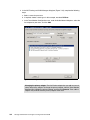
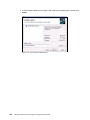
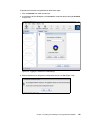
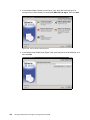
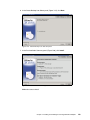
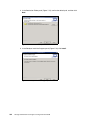
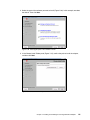
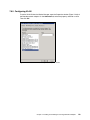
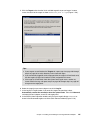
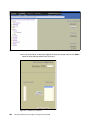
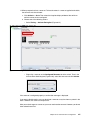
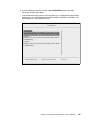
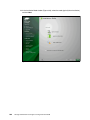
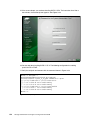
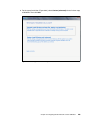
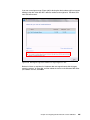
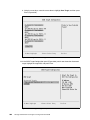
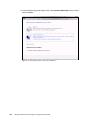
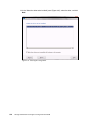
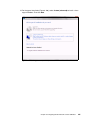
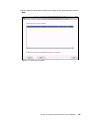
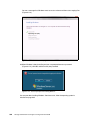
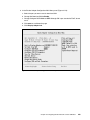
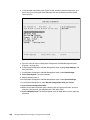
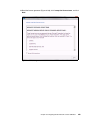
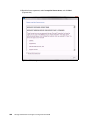
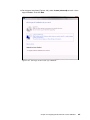
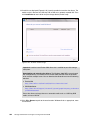
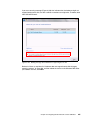
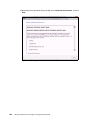
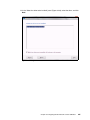
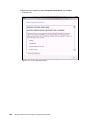
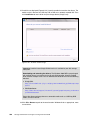
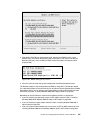
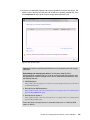
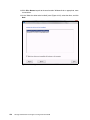
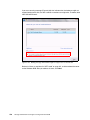
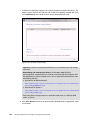
12.Select the operating system that you want to install (Figure 9-178), and then click Next.
Figure 9-178 Selecting the operating system
Chapter 9. Configuring iSCSI and FCoE cards for SAN boot
395