1
Advanced Adjustments
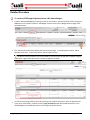
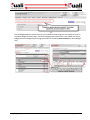
Changing Budget Amounts using KC Time and Money document
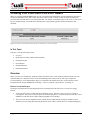
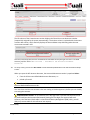
In order to decrease or increase a budget, you must increase the budget obligated amount in the Time and Money
document.
Increasing or Decreasing a Budget
To increase or decrease a budget:
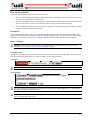
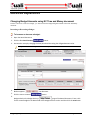
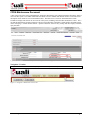
1. Open the Award document.
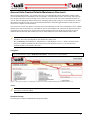
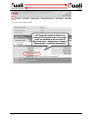
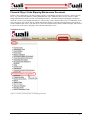
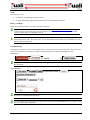
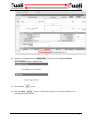
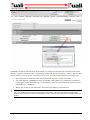
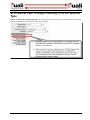
2. Click the blue time & money
button.
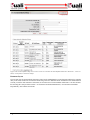
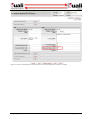
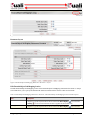
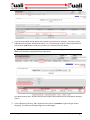
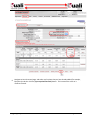
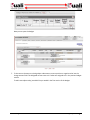
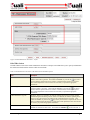
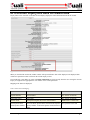
3. Increase the money by changing the time period and increasing the obligated amount value.
Obligated amount cannot be greater than the anticipated amount.
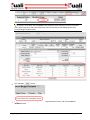
4. Blanket approve
5. Click the return to award
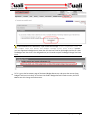
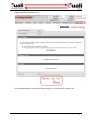
6.
the document.
button.
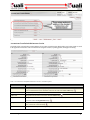
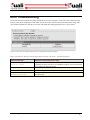
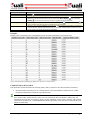
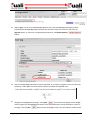
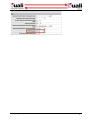
Navigate back to the Budget Versions
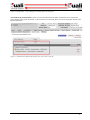
page of the Award document. Enter a title
for the second budget in the Name field of the Budget Versions section and then click the new button.
50 • Budget Adjustment
KFS-KC Integration Guide