1
Scope
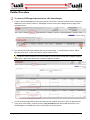
This procedure covers:
•
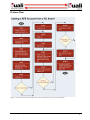
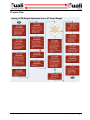
Posting a KC Award Budget document to KFS
•
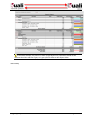
Creating a KFS Budget Adjustment document from a KC Award Budget document
Before You Begin
Before you begin this procedure, you will first need the following:
Prior Procedure Reference: This procedure continues from “Setting up BA creation integration” on page 25
in this document, which outlines pre-existing condition requirements and associated prerequisite tasks that
must be completed prior to initiating this activity.
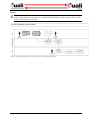
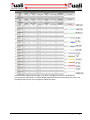
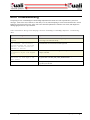
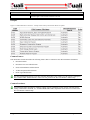
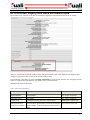
Caution: Fringe Benefits are calculated is based on two different Rate Class and Rate Types, so it gets split into
different KFS object codes. This is due to the way the different Rate Class and Rate Type combinations are split
into two separate budget items.
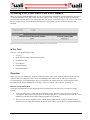
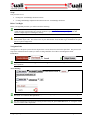
Navigation Path
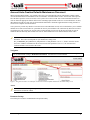
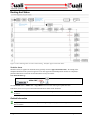
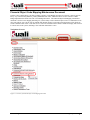
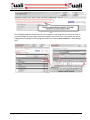
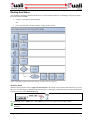
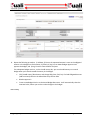
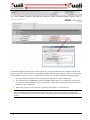
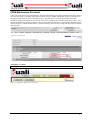
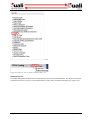
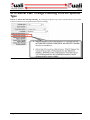
Getting started – this quick system reference depicts how to access the start screen for this procedure. The process task
steps in the ordered list below assume you will be creating a KFS BA from a KC Award Budget document.
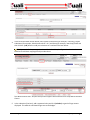
Create New:
>
>
>
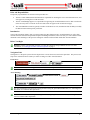
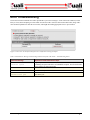
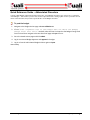
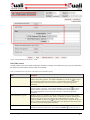
For general information on creating a new Award Budget document, see “Initiating a Document” in Common EDoc Operations.
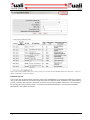
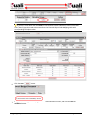
Access Existing:
>
> enter/select criteria >
>
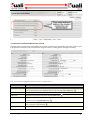
or…
>
>
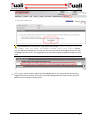
or…
For more information on accessing an existing document using the global doc search button, see “Searching for a
Document” in Common E-Doc Operations.
For more information on accessing an existing document using the global action list button, see “Using the Action
List” in Common E-Doc Operations.
34 • Budget Adjustment
KFS-KC Integration Guide