1
>>Stand-alone DVR User Manual
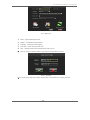
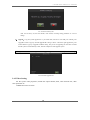
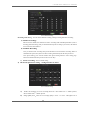
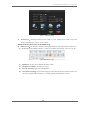
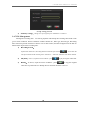
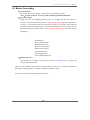
Pic.22 Record Setting
Recording mode choose:You can choose Manual recording, Timing recording and Alarm recording
a) Manual recording:
After choose the channel, this channel will start to recording under scheduled parameters (refer to
recording parameter setting), and you should manual stop the recording if you need to, the method
is to anti-election and confirm it.
b) Schedule Recording
First you should set the recording time period and then turn on this channel recording. When in
scheduled time period, the system will start recording automatically till the time period over.
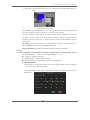
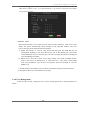
Time period setting: press relevant channel time period setting button to enter setting page.
Please be noted that the time period can not be in two days.
c) Sensor recording:Refer to alarm setting
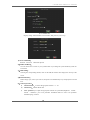
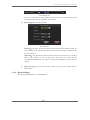
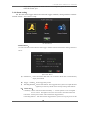
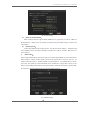
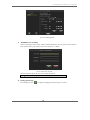
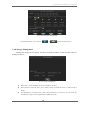
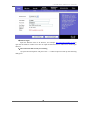
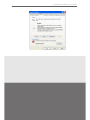
2) Bit stream parameter setting:setting interface as below。
Pic.23 Stream setting
a)
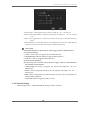
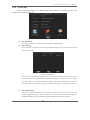
.Frame rate setting:you can set recording frame rate,PAL format from 1~25FPS optional,
NTSC format from 1~30FPS optional.
b)
Image quality level:There are 6 level image quality.1 is best,6 is worst。The higher level of
17