1
>>Stand-alone DVR User Manual
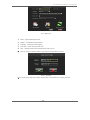
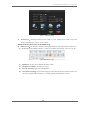
> Sound prompt:After triggered alarm, system will output “du…du …”warning tone.
>Buzzer:After triggered alarm,the buzzer on the machine will output “Di ...Di... Di” warning
tone.
> Relay:After triggered alarm,system will close the switch of relay to connect the outer alarm
system.
>Alarming Duration:Set the alarm duration. After triggered alarm, system will output the alarm
signal till you clean it by manual or the end of pre-setting alarm duration.
●
Alarm output
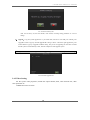
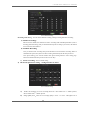
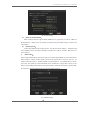
Set the alarm duration, set the associate for sensor trigger, video loss, motion detection
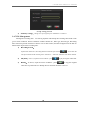
a) set the alarm duration
>> Sensor: sensor alarm is triggered, the alarm duration time
>> Motion Detection: Motion detection triggered alarm duration
>> Video loss: video loss triggered alarm duration
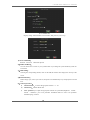
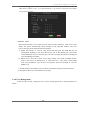
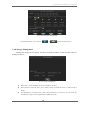
b) Alarm associate equipment
First choose the way to associate, such as the sensor trigger, video loss, motion detection,
then select the associate function.
>> Sound Prompt: the alarm is triggered, the system will output”du…..du….du”
warning tone.
>> Buzzer: alarm is triggered, the buzzer on the machine will output “Di…Di….”
warning tone
>> Relay: alarm is triggered, the system will close the relay switch, connected to an
external alarm equipment.
>> Send e-mail: alarm is triggered, send an e-mail,
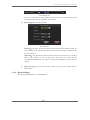
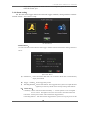
3.6.5 Network Setting
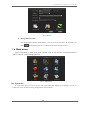
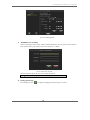
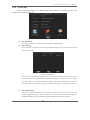
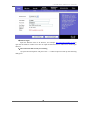
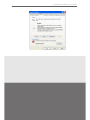
System support LAN、DDNS and PPPOE. Setting interface as below:
20