1
 EasyBuilder8000 User’s Manual Chapter 13 Objects
This chapter is to illustrate the ways of using and setting all kinds of objects. For those
settings general for all the objects, such as index register, label, shape, and so on, please
refer to “Chapter 9 Object’s General Properties”.
13.1 Bit Lamp
Overview
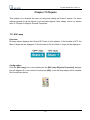
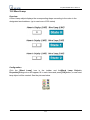
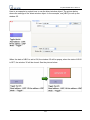
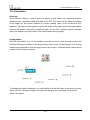
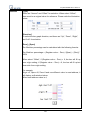
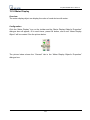
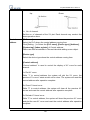
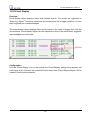
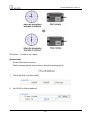
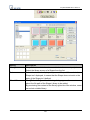
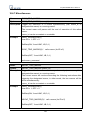
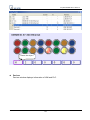
Bit Lamp object displays the ON and OFF state of a bit address. If the bit state is OFF, the
State 0 shape will be displayed. If the bit state is ON, the State 1 shape will be displayed.
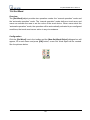
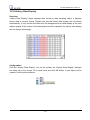
Configuration
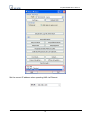
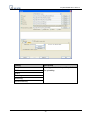
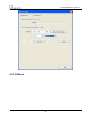
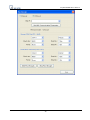
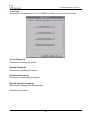
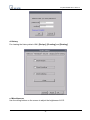
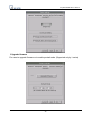
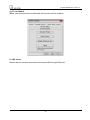
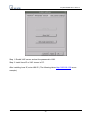
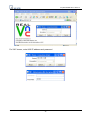
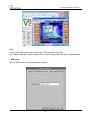
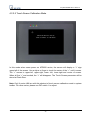
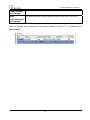
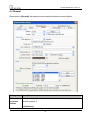
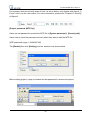
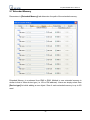
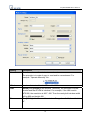
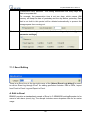
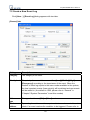
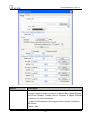
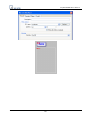
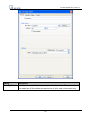
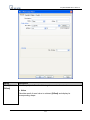
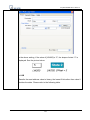
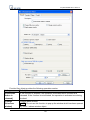
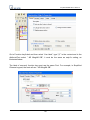
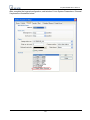
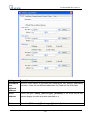
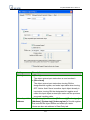
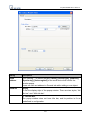
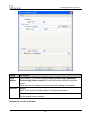
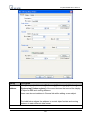
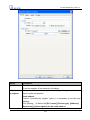
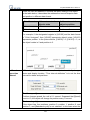
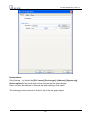
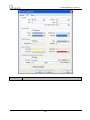
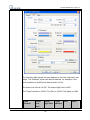
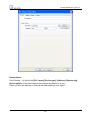
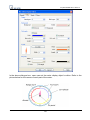
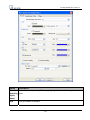
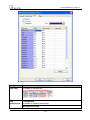
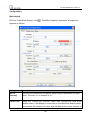
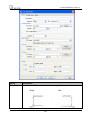
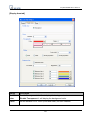
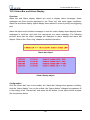
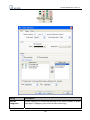
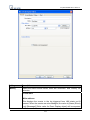
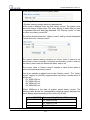
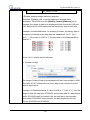
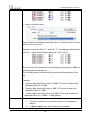
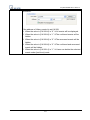
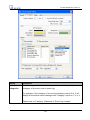
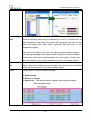
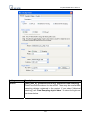
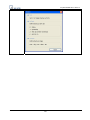
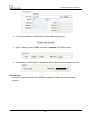
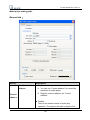
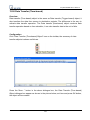
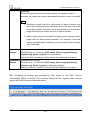
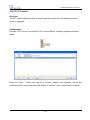
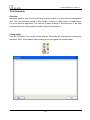
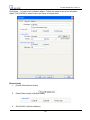
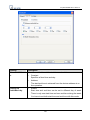
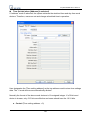
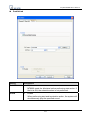
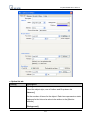
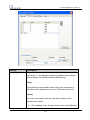
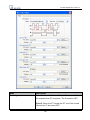
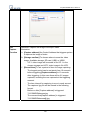
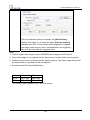
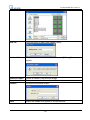
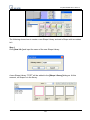
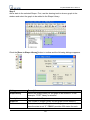
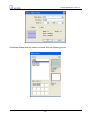
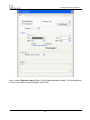
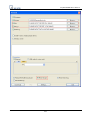
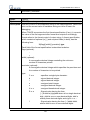
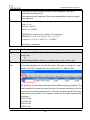
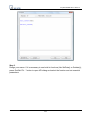
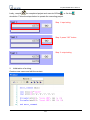
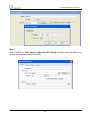
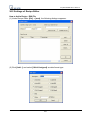
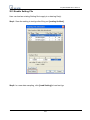
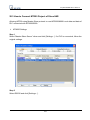
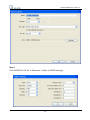
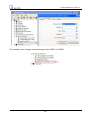
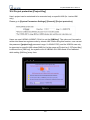
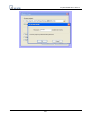
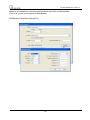
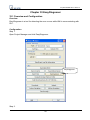
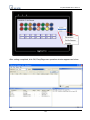
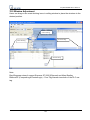
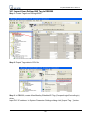
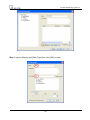
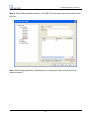
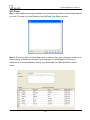
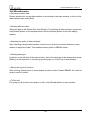
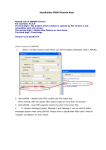
Click the [Bit Lamp] icon in the toolbar and the [Bit Lamp Object’s Properties] dialogue
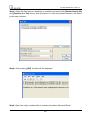
box will appear, fill in the content of and press [OK], a new bit lamp object will be created.
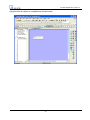
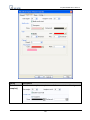
See the pictures below.
171