1
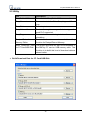
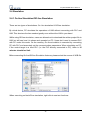
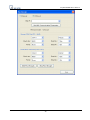
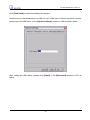
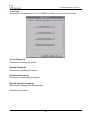
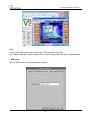
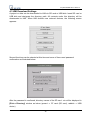
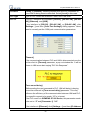
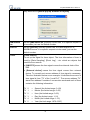
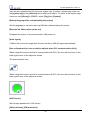
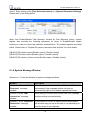
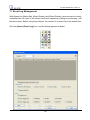
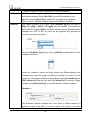
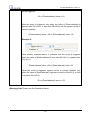
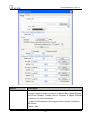
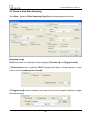
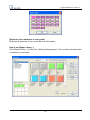
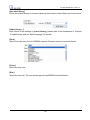
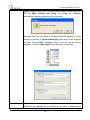
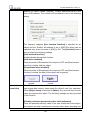
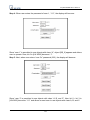
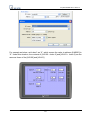
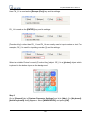
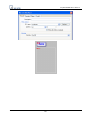
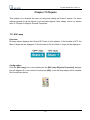
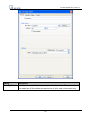
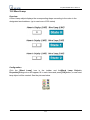
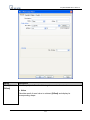
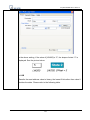
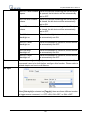
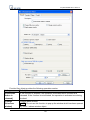
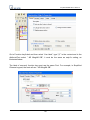
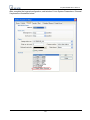
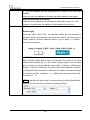
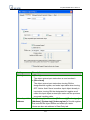
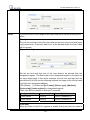
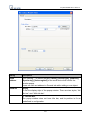
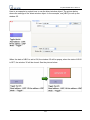
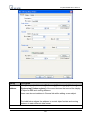
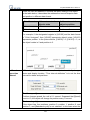
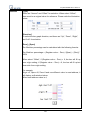
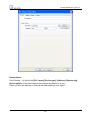
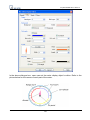
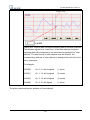
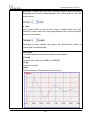
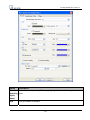
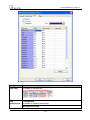
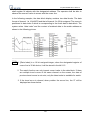
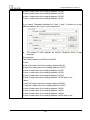
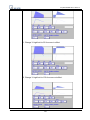
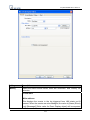
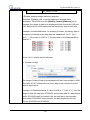
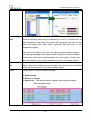
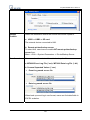
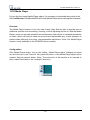
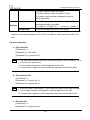
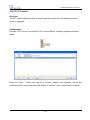
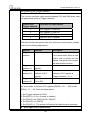
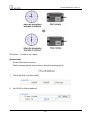
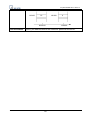
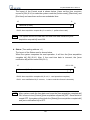
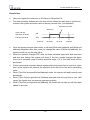
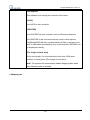
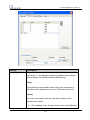
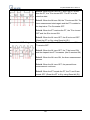
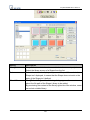
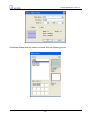
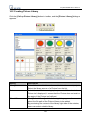
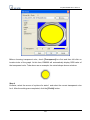
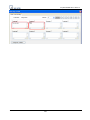
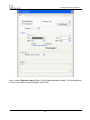
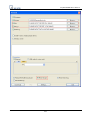
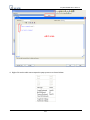
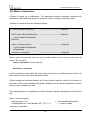
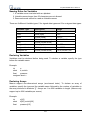
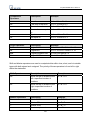
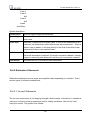
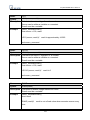
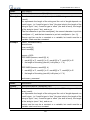
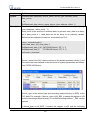
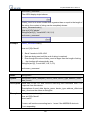
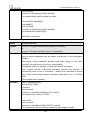
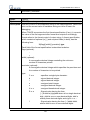
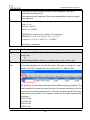
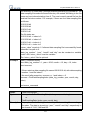
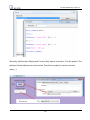
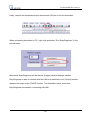
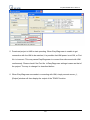
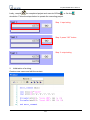
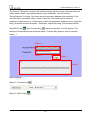
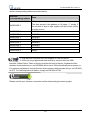
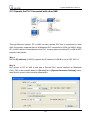
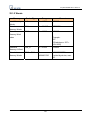
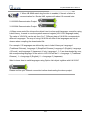
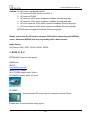
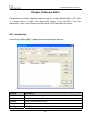
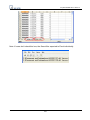
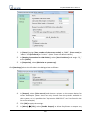
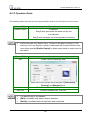
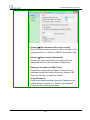
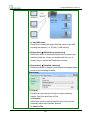
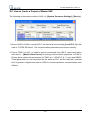
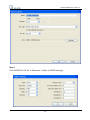
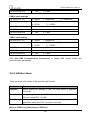
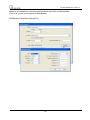
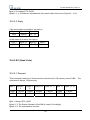
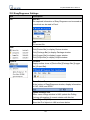
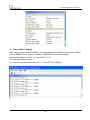
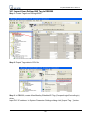
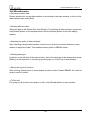
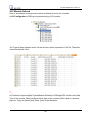
 EasyBuilder8000 User’s Manual The illustration above provides information of one of the Shapes in the Shape Library as
follows:
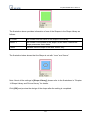
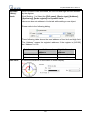
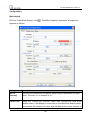
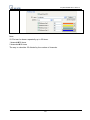
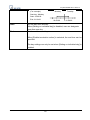
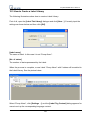
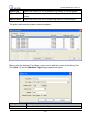
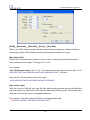
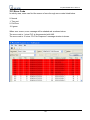
2: Green
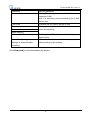
The number and the name of the shape in the library.
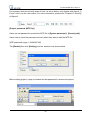
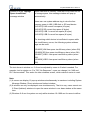
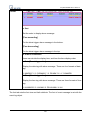
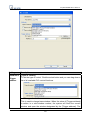
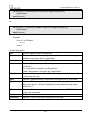
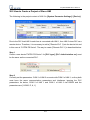
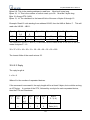
States: 3
The number of the states of the shape. In this case, it shows the
Shape possesses three states.
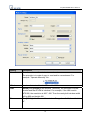
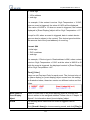
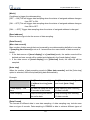
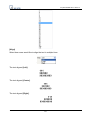
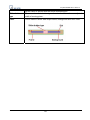
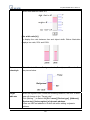
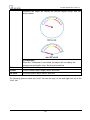
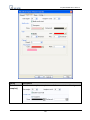
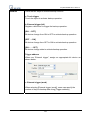
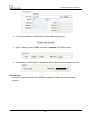
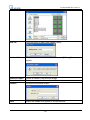
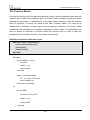
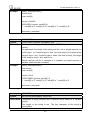
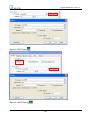
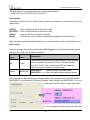
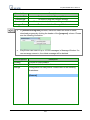
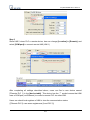
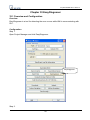
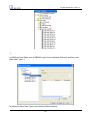
Frame
Indicates that the Shape is set with “frame” only.
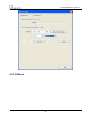
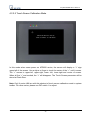
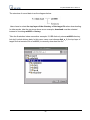
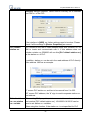
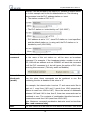
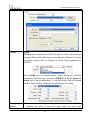
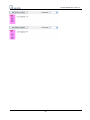
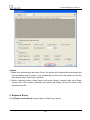
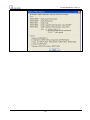
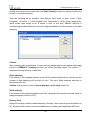
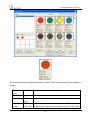
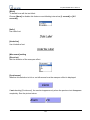
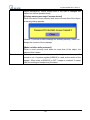
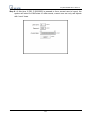
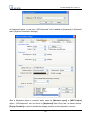
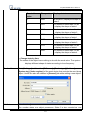
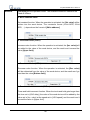
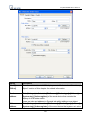
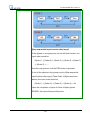
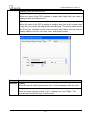
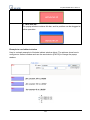
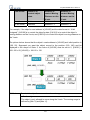
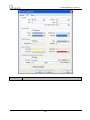
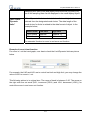
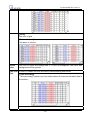
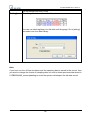
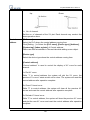
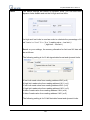
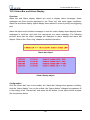
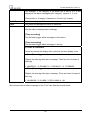
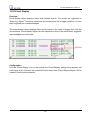
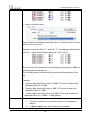
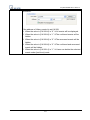
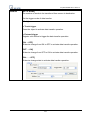
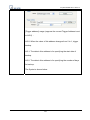
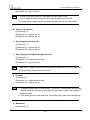
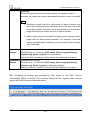
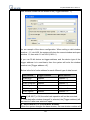
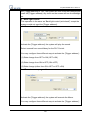
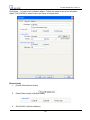
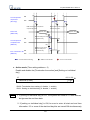
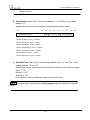
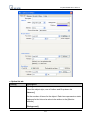
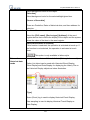
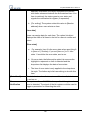
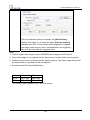
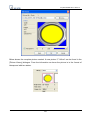
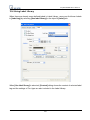
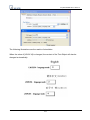
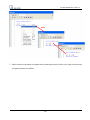
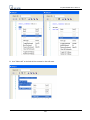
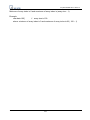
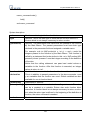
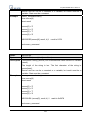
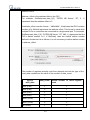
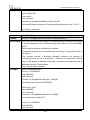
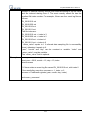
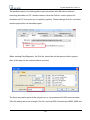
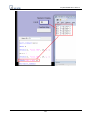
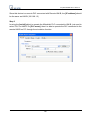
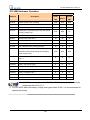
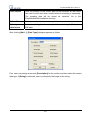
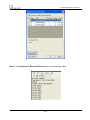
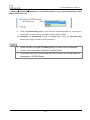
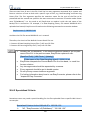
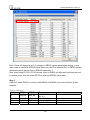
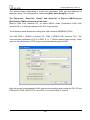
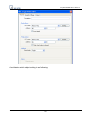
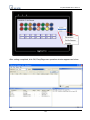
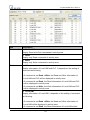
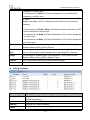
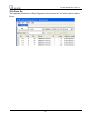
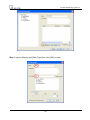
The illustration below shows that the Shape is set with “inner” and “frame.”
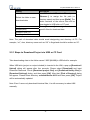
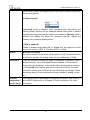
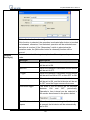
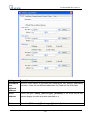
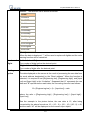
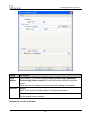
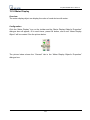
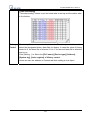
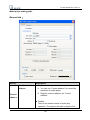
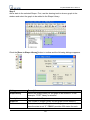
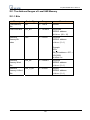
Note: About all the settings in [Shape Library], please refer to the illustrations in “Chapter
14 Shape Library and Picture Library” for details.
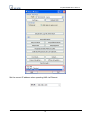
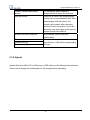
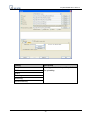
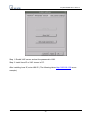
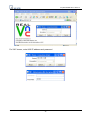
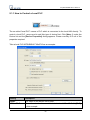
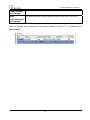
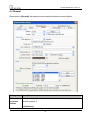
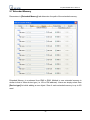
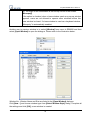
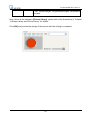
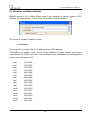
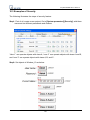
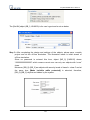
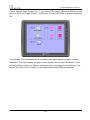
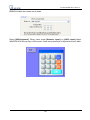
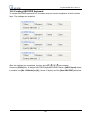
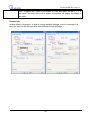
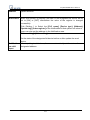
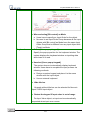
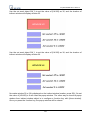
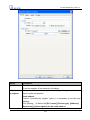
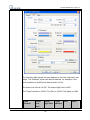
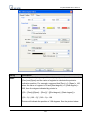
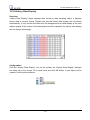
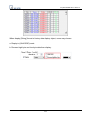
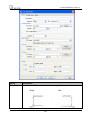
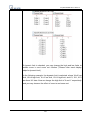
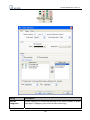
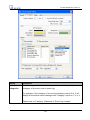
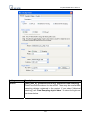
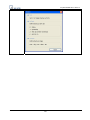
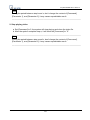
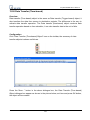
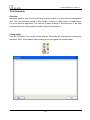
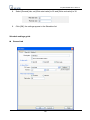
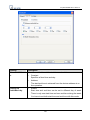
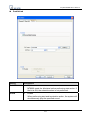
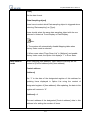
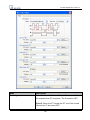
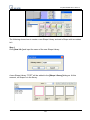
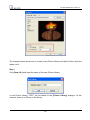
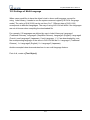
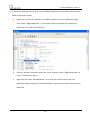
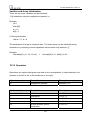
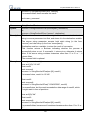
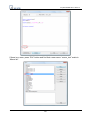
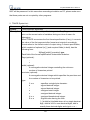
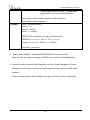
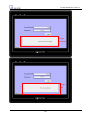
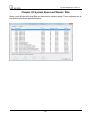
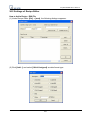
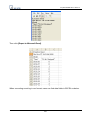
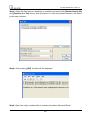
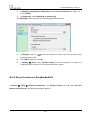
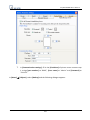
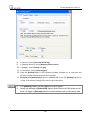
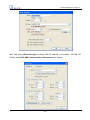
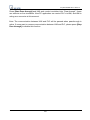
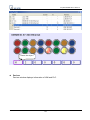
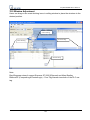
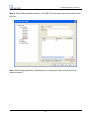
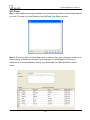
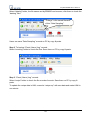
Click [OK] and preview the design of the shape after the setting is completed.
131