1
 EasyBuilder8000 User’s Manual 4.3 HMI Download Settings
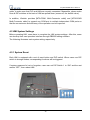
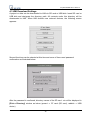
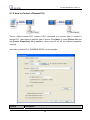
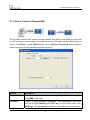
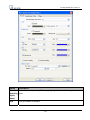
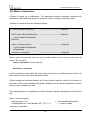
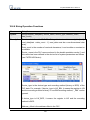
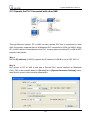
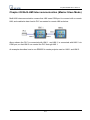
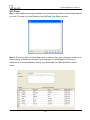
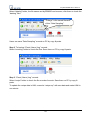
A project or data can be downloaded to HMI via SD card or USB disk. Insert SD card or
USB disk and designate the directory path. All contents under this directory will be
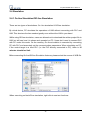
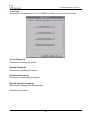
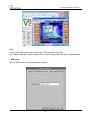
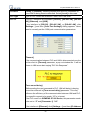
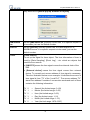
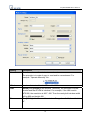
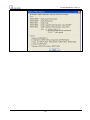
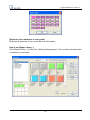
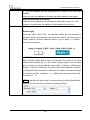
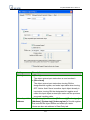
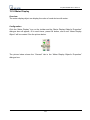
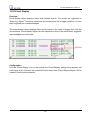
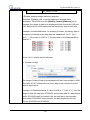
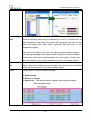
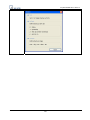
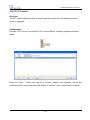
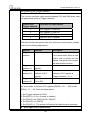
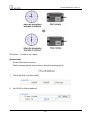
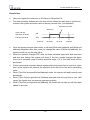
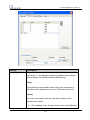
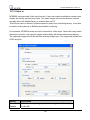
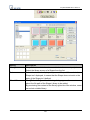
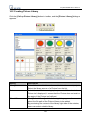
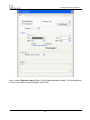
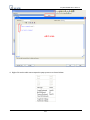
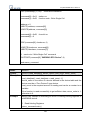
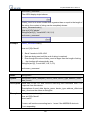
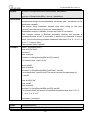
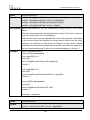
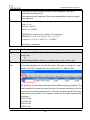
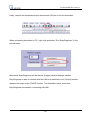
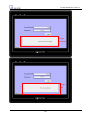
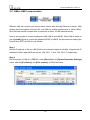
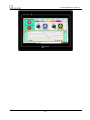
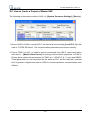
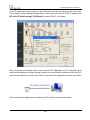
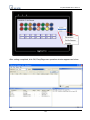
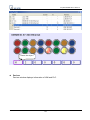
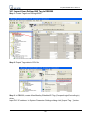
downloaded to HMI. When HMI detects new external devices, the following screen
appears:
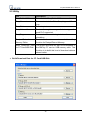
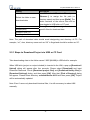
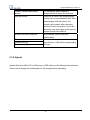
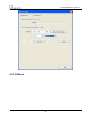
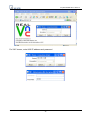
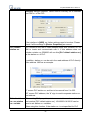
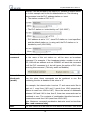
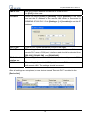
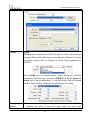
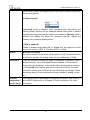
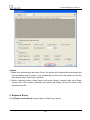
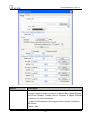
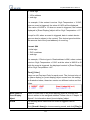
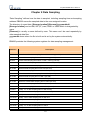
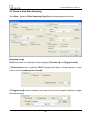
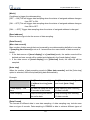
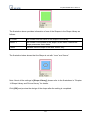
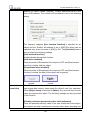
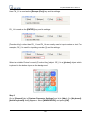
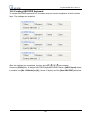
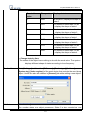
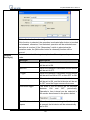
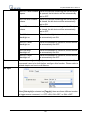
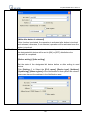
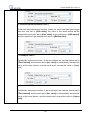
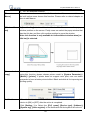
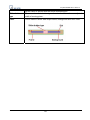
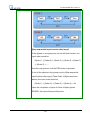
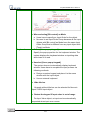
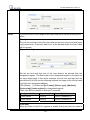
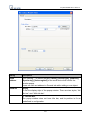
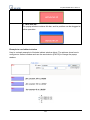
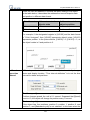
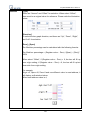
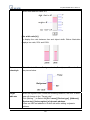
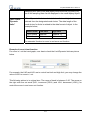
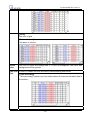
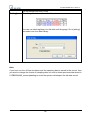
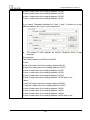
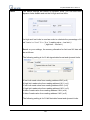
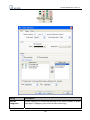
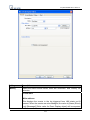
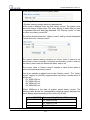
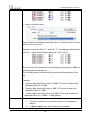
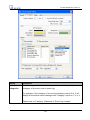
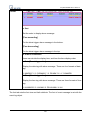
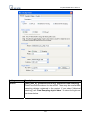
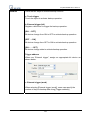
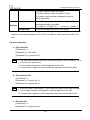
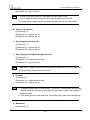
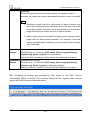
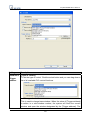
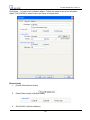
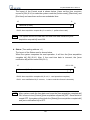
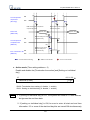
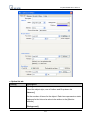
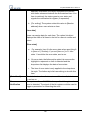
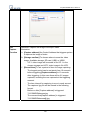
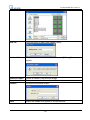
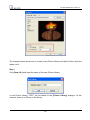
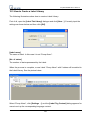
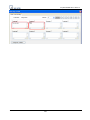
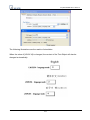
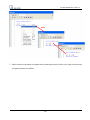
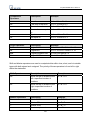
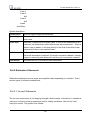
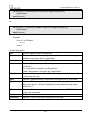
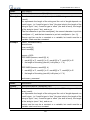
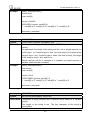
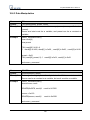
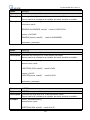
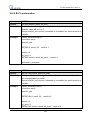
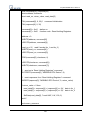
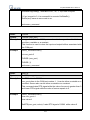
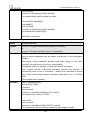
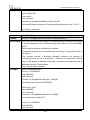
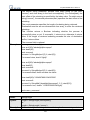
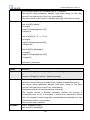
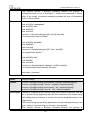
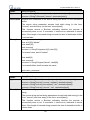
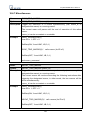
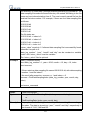
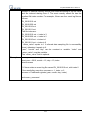
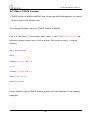
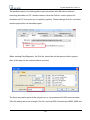
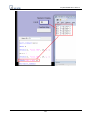
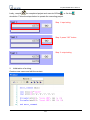
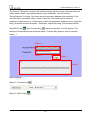
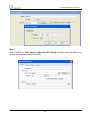
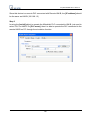
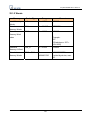
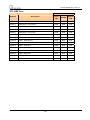
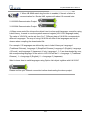
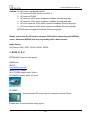
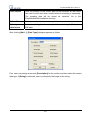
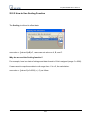
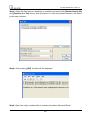
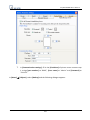
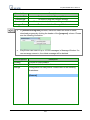
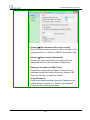
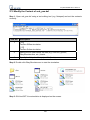
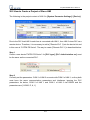
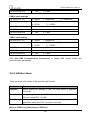
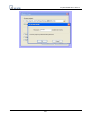
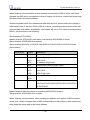
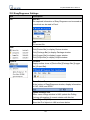
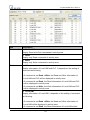
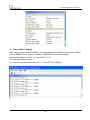
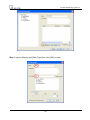
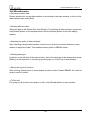
Several functions can be selected at this time and some of them need password
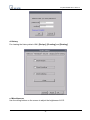
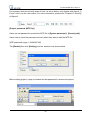
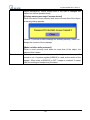
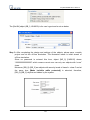
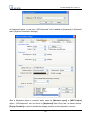
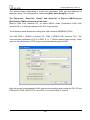
confirmation as illustrated below:
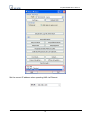
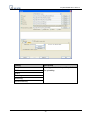
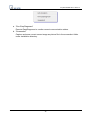
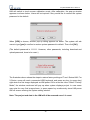
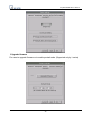
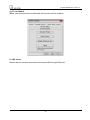
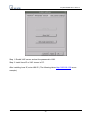
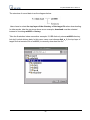
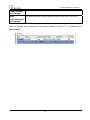
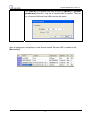
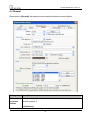
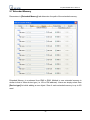
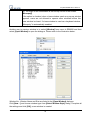
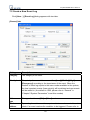
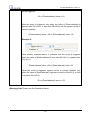
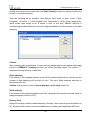
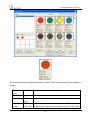
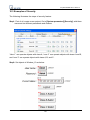
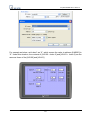
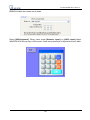
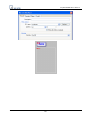
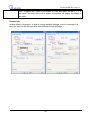
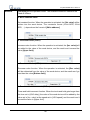
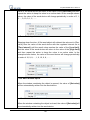
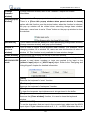
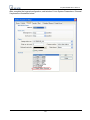
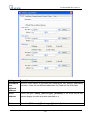
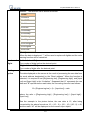
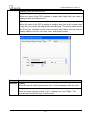
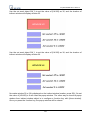
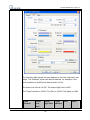
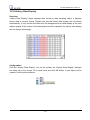
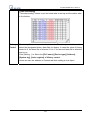
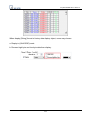
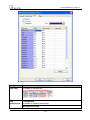
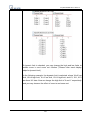
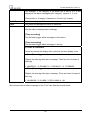
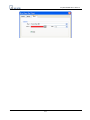
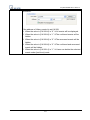
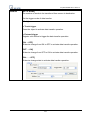
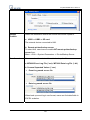
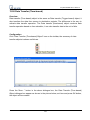
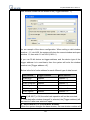
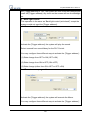
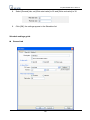
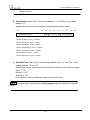
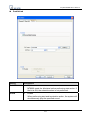
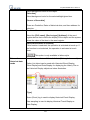
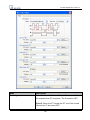
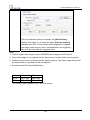
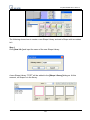
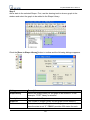
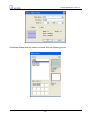
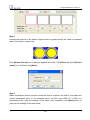
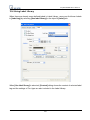
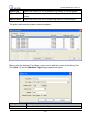
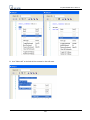
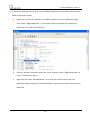
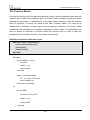
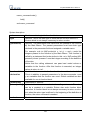
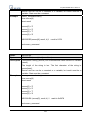
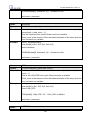
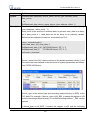
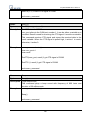
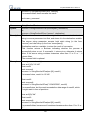
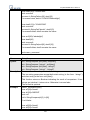
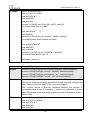
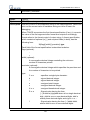
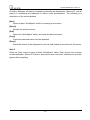
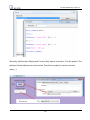
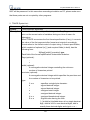
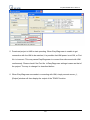
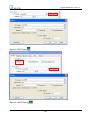
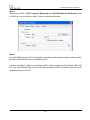
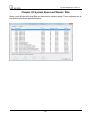
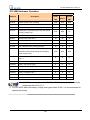
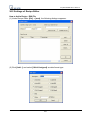
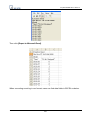
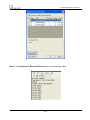
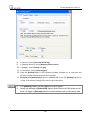
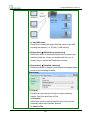
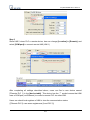
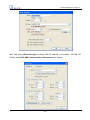
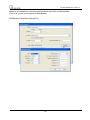
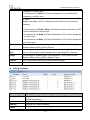
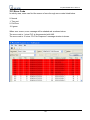
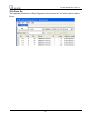
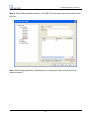
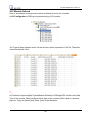
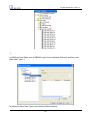
After the password is confirmed, directory names of the SD card…etc will be displayed in
[Pick a Directory] window as below (pccard -> CF card (SD card); usbdisk -> USB
device)
58