1
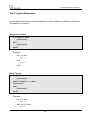
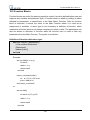
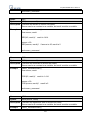
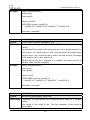
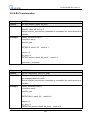
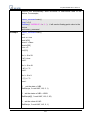
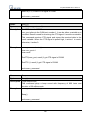
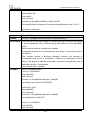
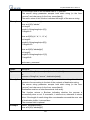
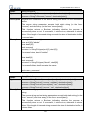
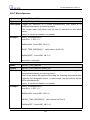
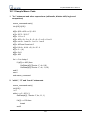
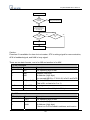
 EasyBuilder8000 User’s Manual for [Counter] = <StartValue> to <EndValue> [step <StepValue>]
[Statements]
next [Counter]
or
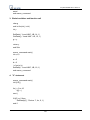
for [Counter] = <StartValue> down <EndValue> [step <StepValue>]
[Statements]
next [Counter]
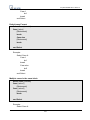
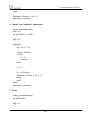
Example:
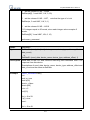
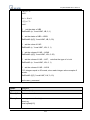
for a = 0 to 10 step 2
b=a
next a
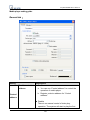
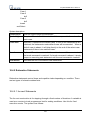
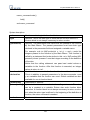
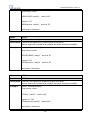
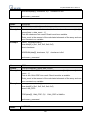
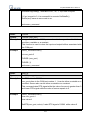
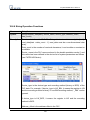
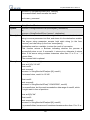
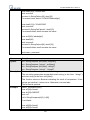
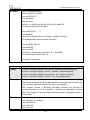
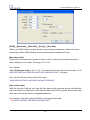
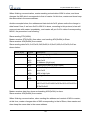
Syntax description:
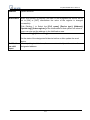
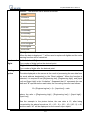
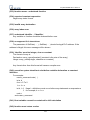
for
Must be used to begin the statement
[Counter]
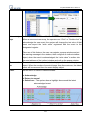
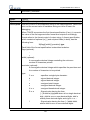
Required. This is the controlling statement. The result of evaluating the
variable is used as a test of comparison.
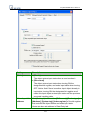
<StartValue> Required. The initial value of [Counter]
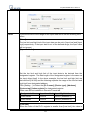
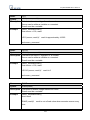
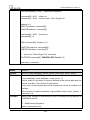
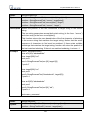
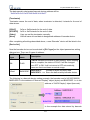
to/down
Required. This determines if the <step> increments or decrements the
<Counter>.
“to” increments <Counter> by <StepValue>.
“down” decrements <Counter> by <StepValue>.
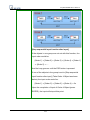
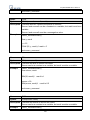
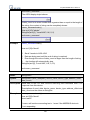
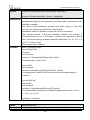
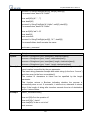
<EndValue>
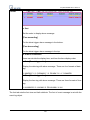
Required. The test point. If the <Counter> is greater than this value, the
macro exits the loop.
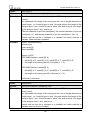
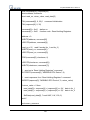
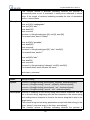
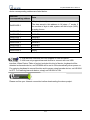
step
Optional. Specifies that a <StepValue> other than one is to be used.
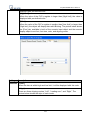
[StepValue]
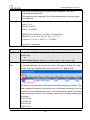
Optional. The increment/decrement step of <Counter>. It can be omitted
when the value is 1 If [step <StepValue>] are omitted the step value
defaults to 1.
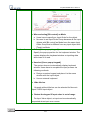
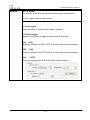
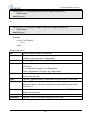
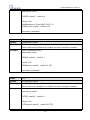
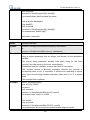
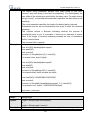
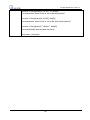
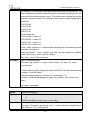
[Statements] Optional. Statements to execute when the evaluation is TRUE. “for-next”
loops may be nested.
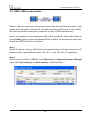
next
Required.
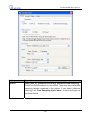
[Counter]
Optional. This is used when nesting for-next loops.
443