1
Chapter 8. Access Control Lists
33
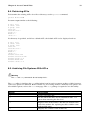
8.4. Retrieving ACLs
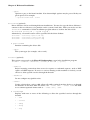
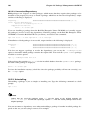
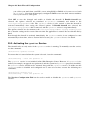
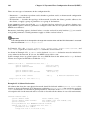
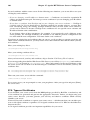
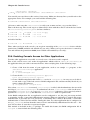
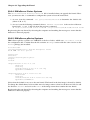
To determine the existing ACLs for a file or directory, use the getfacl command:
getfacl
filename
It returns output similar to the following:
# file: file
# owner: tfox
# group: tfox
user::rwuser:smoore:r-group::r-mask::r-other::r--
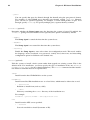
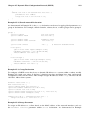
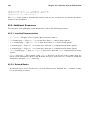
If a directory is specified, and it has a default ACL, the default ACL is also displayed such as:
# file: file
# owner: tfox
# group: tfox
user::rwuser:smoore:r-group::r-mask::r-other::r-default:user::rwx
default:user:tfox:rwx
default:group::r-x
default:mask::rwx
default:other::r-x
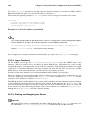
8.5. Archiving File Systems With ACLs
Warning
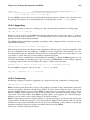
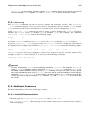
The tar and dump commands do not backup ACLs.
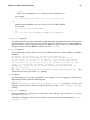
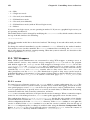
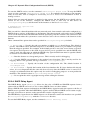
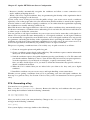
The star utility is similar to the tar utility in that it can be used to generate archives of files; however,
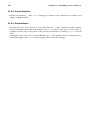
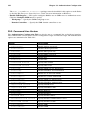
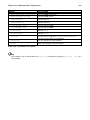
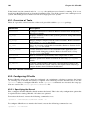
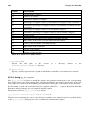
some of its options are different. Refer to Table 8-1 for a listing of more commonly used options. For
all available options, refer to the star man page. The star package is required to use this utility.
Option
Description
-c
Creates an archive file.
-n
Do not extract the files; use in conjunction with -x to
show what extracting the files does.
-r
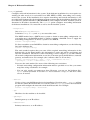
Replaces files in the archive. The files are written to the
end of the archive file, replacing any files with the same
path and file name.
-t
Displays the contents of the archive file.