1
198
Chapter 26. Apache HTTP Server Configuration
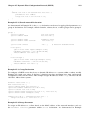
Name based Virtual Host
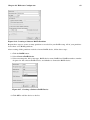
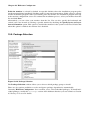
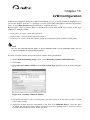
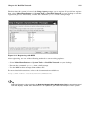
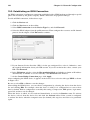
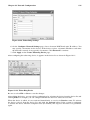
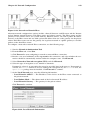
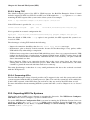
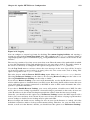
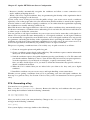
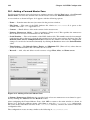
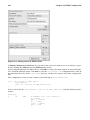
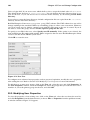
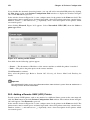
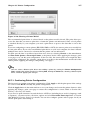
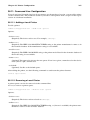
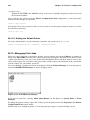
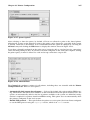
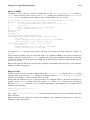
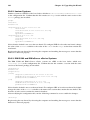
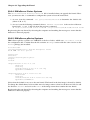
If you choose Name based Virtual Host, a window appears to configure the NameVirtualHost
directive based on the host name of the server. Specify the IP address in the IP address field.
To specify more than one IP address, separate each IP address with spaces. To specify a port,
use the syntax IP Address:Port. Use :* to configure all ports for the IP address. Specify
the host name for the virtual host in the Server Host Name field. In the Aliases section, click
Add to add a host name alias. Adding an alias here adds a ServerAlias directive within the
NameVirtualHost directive.
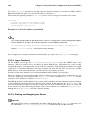
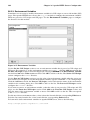
26.3.1.2. SSL
Note
You can not use name based virtual hosts with SSL, because the SSL handshake (when the browser
accepts the secure Web server’s certificate) occurs before the HTTP request which identifies the
appropriate name based virtual host. If you want to use name-based virtual hosts, they will only work
with your non-secure Web server.
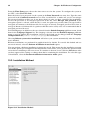
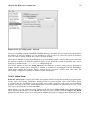
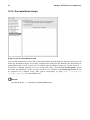
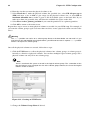
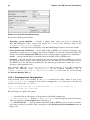
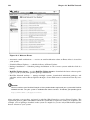
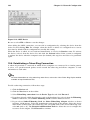
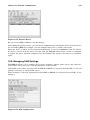
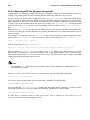
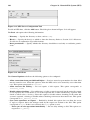
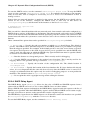
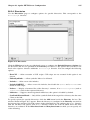
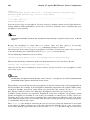
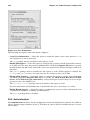
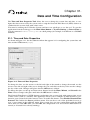
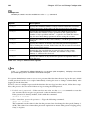
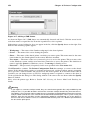
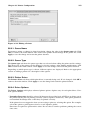
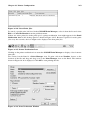
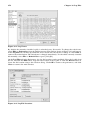
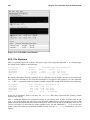
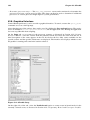
Figure 26-9. SSL Support
If an Apache HTTP Server is not configured with SSL support, communications between an Apache
HTTP Server and its clients are not encrypted. This is appropriate for websites without personal or
confidential information. For example, an open source website that distributes open source software
and documentation has no need for secure communications. However, an ecommerce website that
requires credit card information should use the Apache SSL support to encrypt its communications.
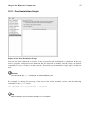
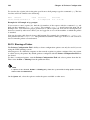
Enabling Apache SSL support enables the use of the mod_ssl security module. To enable it through
HTTP Configuration Tool you must allow access through port 443 under the Main tab => Available