1
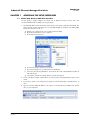
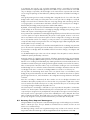
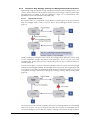
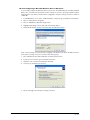
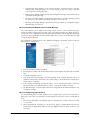
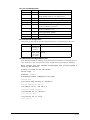
3. Under Connect Using select Direct to Com “X”, where “X” is the COM port the modem is
connected to.
4. Enter the desired Bits per second, data bits, parity, stop bits and Flow control. Click OK.
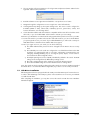
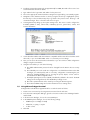
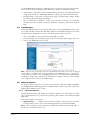
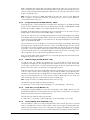
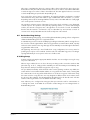
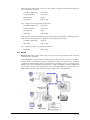
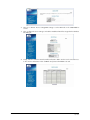
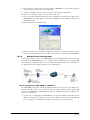
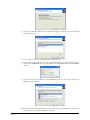
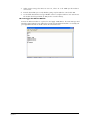
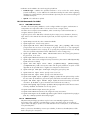
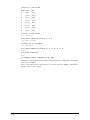
5. You should be at a blank screen. Type ATS0=1<enter> to verify the modem is set to auto-answer.
The modem should respond with an OK (See the screenshot below).
10.12.4 Trigger the Ethernet Modem
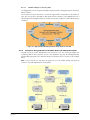
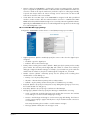
Connect the Ethernet modem to a phone line and apply 10-30 VDC to the From PLC input and
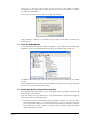
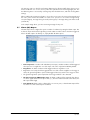
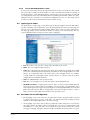
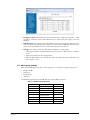
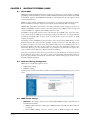
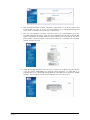
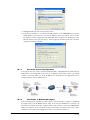
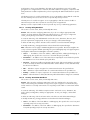
watch the Hyper Terminal screen. When the message from the Ethernet Modem is successfully sent
your HyperTerminal window should look like the screenshot below.
INM9200-SW
Sept 2013
63