1
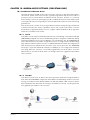
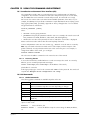
10.9.2 Configuring a Microsoft Windows PC as a Client
To successfully configure Microsoft Windows to dial you first need to have a modem installed. Refer
to the user manual of the modem used for instructions on how to properly install the modem. Then
follow the steps below.
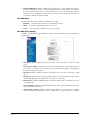
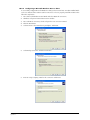
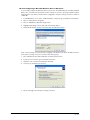
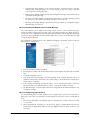
1. Go to Microsoft Windows Control Panel and select Network connections.
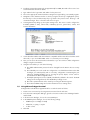
2. Windows will open a Network Connections window.
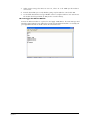
3. Go to File>New connection, which will open the new connection wizard.
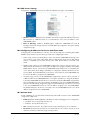
4. Click the Next button.
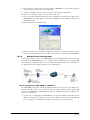
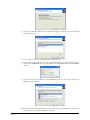
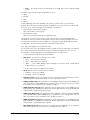
5. Select Connect to the network at my workplace. Click Next.
6. Select Dial-up connection. Click the Next button.
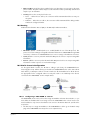
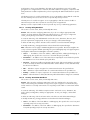
7. Enter an unique company name for this connection. Click Next.
INM9200-SW
Sept 2013
55