1
N30-America
3/21/03
3:19 PM
Page 24
Installing CD Ripper
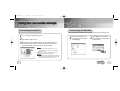
Formatting
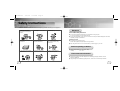
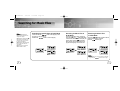
Insert the Installation CD in the CD-ROM drive.
1
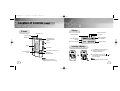
Select the removable disk icon
and click the right mouse button
to select [Format].
2
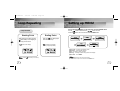
Press the [Start] button.
Click [Next] button in the series
of windows that appear.
● All saved files will be formatted.
● You can change the name of
removable disk by selecting
[Volume label].
Use it referring to [?] after
executing CD Ripper.
Notice :
● By formatting, all previously preset menus will be initialized.
Note :
When you install the CD-Ripper, Windows displays "for Windows 98/NT",but you can use it with
Windows 2000 and XP as well.
● Care must be taken as formatted files can not be recovered.
Note :
● You can format by executing "YP-N30 Format" located under [Start] ➔ [All Programs]
24
25