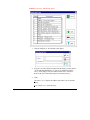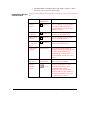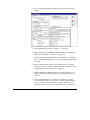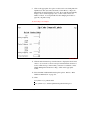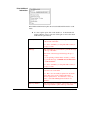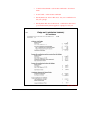
1
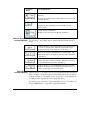
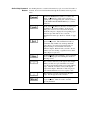
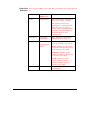
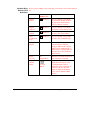
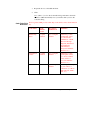
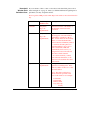
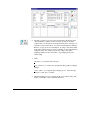
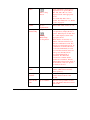
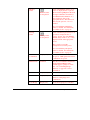
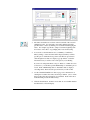
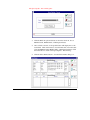
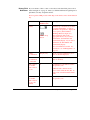
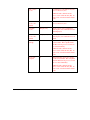
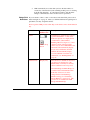
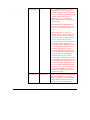
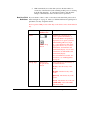
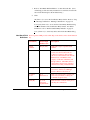
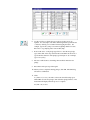
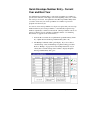
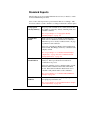
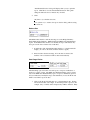
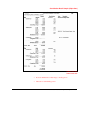
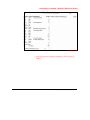
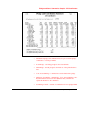
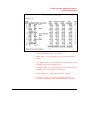
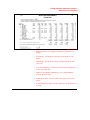
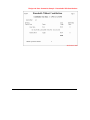
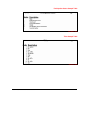
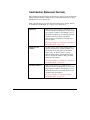
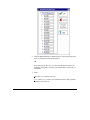
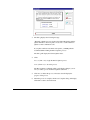
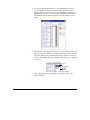
Ending Date
6
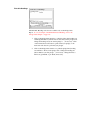
The Ending Date defaults to the last
day of the contribution year. It can
be manually entered if the fund has a
different ending date.
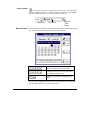
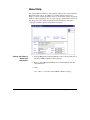
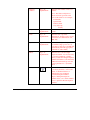
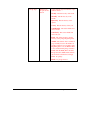
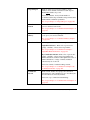
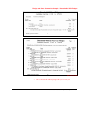
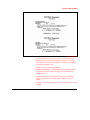
To enter an ending date
(MM/DD/YY), enter the last day of
the Pledge Type period. Valid
entries per Pledge Type are as
follows:
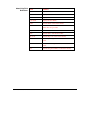
Weekly: Any day is valid.
Monthly: The last day of the
month.
Quarterly: The last day of the
quarter.
SemiYearly: The last day of the
six-month period.
Yearly or Annual: The last day of
the year.
SemiMonthly or Fixed: Any date
is acceptable.
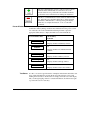
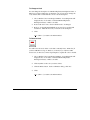
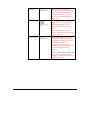
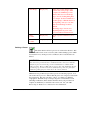
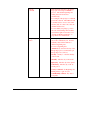
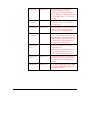
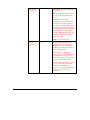
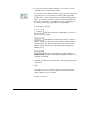
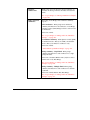
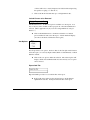
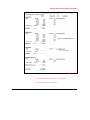
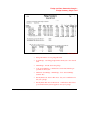
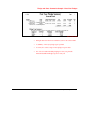
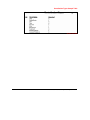
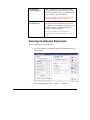
Initial Pledge
8
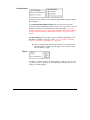
Enter an initial pledge for the fund,
or a one time gift for next year.
The CMS will add a decimal and
two zeroes to the dollar amount
(.00). To enter cents, enter the
decimal and the cents.
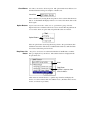
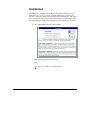
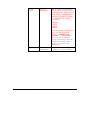
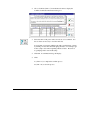
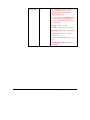
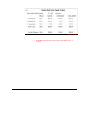
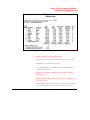
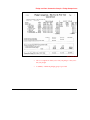
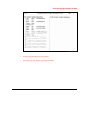
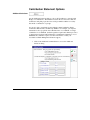
Total Pledge
104 • User's Guide CMS Contribution
Display Only
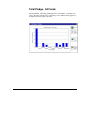
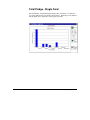
Value of the fund's pledge from the
Beginning Date to the Ending Date.
The Total Pledge equals the Pledge
Amount times the Pledge Type plus
the Initial Pledge.