1
Deleting a Household
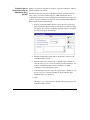
The delete function deletes the household from the database.
CAUTION!!! All records for the household will be deleted, including prior
year and lifetime giving totals. You will not be allowed to delete persons who
have contributions in the current year until the End of Year process is run or the
person's contributions are combined with another person's. Refer to "End of
Year" on page 216, and "Combining Person Records" on page 79. Do not use
delete if data for the household or people within the household is required for
continued reporting purposes.
CMS Membership for Windows provides a process for removing a household.
The remove process is used to indicate that the household is no longer associated
with the congregation - perhaps because of a move, or a change to a different
congregation. The Removal process keeps the households' records (including
contributions) in the database until the end-of-year procedures are complete.
After end-of-year, you can delete the removed records. See your CMS
Membership for Windows User's Manual for more information.
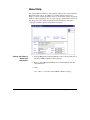
1.
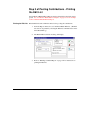
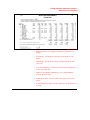
At the main menu, select Household/Persons from the People menu.
2.
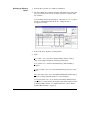
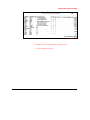
Display the appropriate household record. For Find instructions, refer to
"Finding Existing Persons" on page 73.
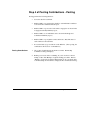
3.
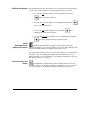
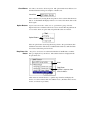
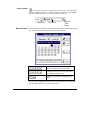
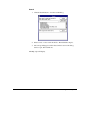
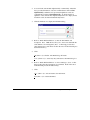
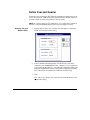
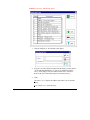
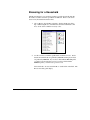
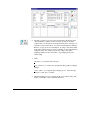
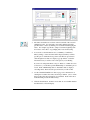
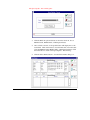
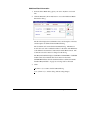
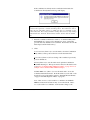
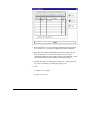
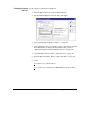
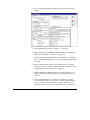
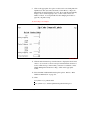
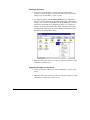
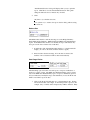
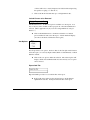
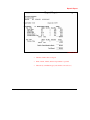
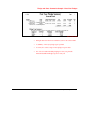
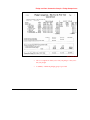
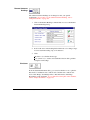
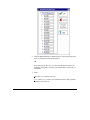
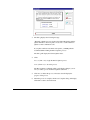
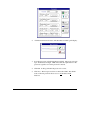
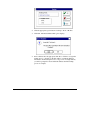
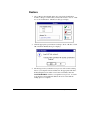
Click the Garbage Can button on the speed bar. A "Delete Household"
message dialog displays.
4.
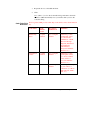
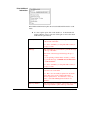
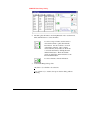
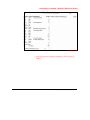
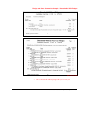
Click:
Yes (ALT + Y) to delete the household.
No (ALT + N) to cancel the delete request.
Household Maintenance • 57