1
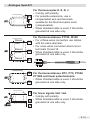
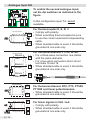
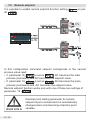
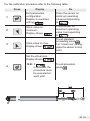
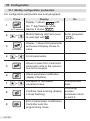
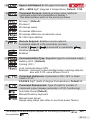
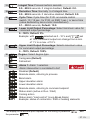
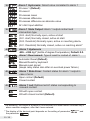
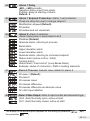
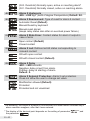
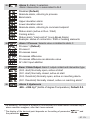
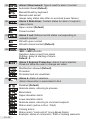
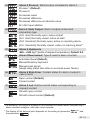
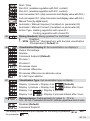
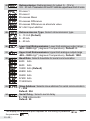
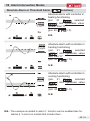
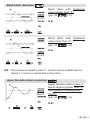
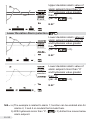
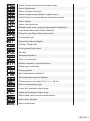
For the calibration procedure refer to the following table:
Press
Display
Do
1
Exit parameters
configuration.
Display 2 visualizes
writing
.
Place the sensor on
minimum operating
value(corresponding
to
).
2
Store value on
minimum.
Display shows
Place sensor on
maximum operating
value (corresponding
).
to
3
4
.
Store value on max.
Display shows
.
Set the virtual zero.
Display shows
.
N.B.: if
is selected, the
procedure must
be executed at
each start.
To exit standard
proceeding press
.
For “virtual zero” setting,
place the sensor to zero
point.
To exit procedure
.
press
23 EN