1
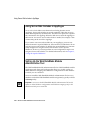
Using Session Variables with the ISAPI Webdriver
Using Session Variables with the ISAPI Webdriver
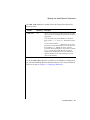
When you use the ISAPI Webdriver in conjunction with session variables,
specifically if you set the session Webdriver variable to URL, you must also
attach the ISAPI filter library to the Microsoft Internet Information Server
service. The ISAPI filter library is the same file as the ISAPI Webdriver:
drvisapi.dll.
For detailed information on how to attach the ISAPI filter library, refer to
“Attaching the ISAPI Filter Library” on page 6-14.
For detailed information on session variables, how to use them in an
AppPage, and what Webdriver variables have to be set to enable session
variables, refer to the IBM Informix Web DataBlade Module Application
Developer’s Guide.
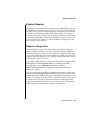
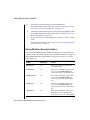
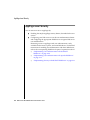
Implementing Security with the ISAPI Webdriver
This section describes how to implement Microsoft Internet Information
Server user authentication with the ISAPI Webdriver. Most of the steps are
described in later sections of this chapter.
To implement user authentication with the ISAPI Webdriver
1.
Create a valid Windows NT user with ordinary user privileges.
User access to AppPages is authenticated at the system level against
this user.
2.
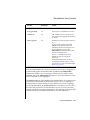
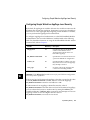
Set the security-specific Webdriver variables for your Webdriver
configuration with the Web DataBlade Module Administration Tool.
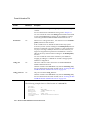
Set the iis_nt_user and iis_nt_password Webdriver variables to the
user you created in step 1 and set the user’s password.
For detailed information on this step, refer to “Setting Webdriver
Security Variables” on page 6-12.
3.
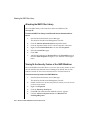
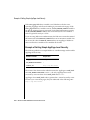
Attach the ISAPI filter library to the Microsoft Internet Information
Server service.
For detailed information on this step, refer to “Attaching the ISAPI
Filter Library” on page 6-14.
Using the ISAPI Webdriver 6-11