1
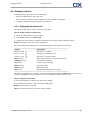
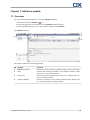
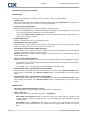
The Start page
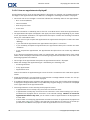
The folder tree
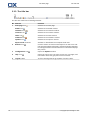
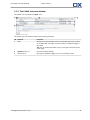
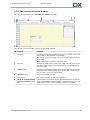
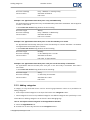
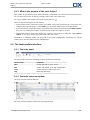
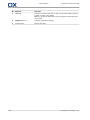
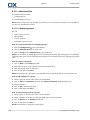
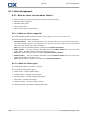
The folder tree serves the following purposes:
▪
Team work. In the folder tree you can see the data and information shared by other users with you
or all users. In the folder tree you can share your data and information with other users by sharing
the respective folders.
▪
Structuring. Organize your data and information by creating subfolders in your personal root folder.
▪
Access to modules. As an alternative to the title bar you can access a particular module by clicking a
particular folder in the folder tree.
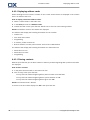
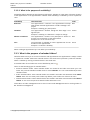
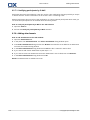
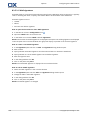
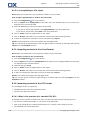
2.2.5.2. The module specific folder view
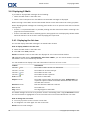
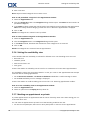
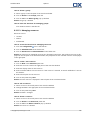
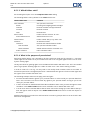
The module specific folder view in each module only displays folders with module specific content. It is
not available on the start page.
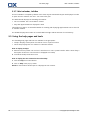
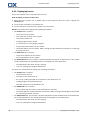
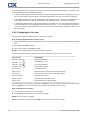
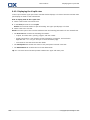
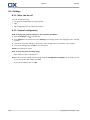
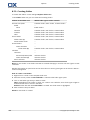
How to select the module specific folder view:
Deactivate the Expert mode checkbox in the title bar.
Note: Deactivating this button while on the start page will hide the side bar.
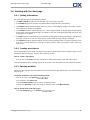
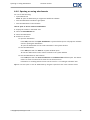
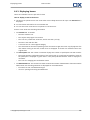
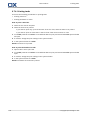
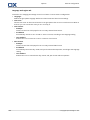
Depending on which module you currently activated the following is displayed:
14
▪
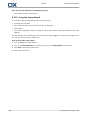
In the E-Mail module only E-Mail folders are displayed.
▪
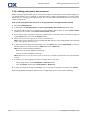
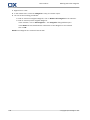
In the contacts, calendar, and tasks modules only personal, shared and public folders of the type
contacts, calendar or tasks are displayed. The folders are displayed in a flat hierarchy.
▪
In the InfoStore module private, public, and shared InfoStore folders are displayed.
© Copyright Open-Xchange Inc. 2010