1
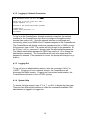
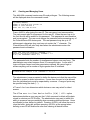
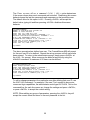
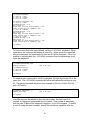
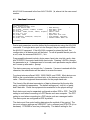
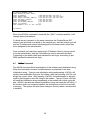
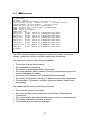
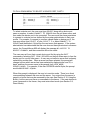
The terminal and device ports will return the following information:
•
•
•
•
•
•
•
•
•
•
The terminal or device port number
The port letter as indicated on card label
Equipment port type (DCE or DTE)
Baud rate
Parity; N=none, E=even, O=odd, M=mark, S=space
Data bits
Stop bits
Flow control type
Status of RTS line; 0=off, 1=on
Status of DTR line; 0=off, 1=on
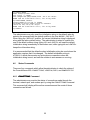
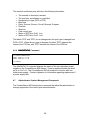
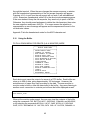
The labels “RTS” and “DTR” do not change when the port type is changed from
DCE to DTE. When the port type is changed, the label “RTS” indicates the
status of the CTS line, and “DTR” indicates the status of the DSR line.
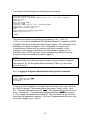
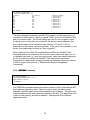
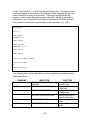
4.6.4 POWERSTATUS Command
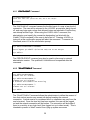
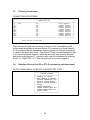
sys admin>POWERSTATUS
Power supply A is OK
Power supply B is OK
sys admin>
The POWERSTATUS command displays the status of the two redundant power
supplies in the ConsoleServer 800 chassis. Power supplies will either be listed
as OK or Failed. The ConsoleServer 800 will continue to function with one
failed power supply. Contact Lightwave for information regarding replacement if
a power supply fails.
4.7
Administrator Session Management Commands
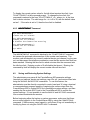
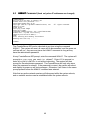
The ConsoleServer 800 features two commands that allow the administrator to
manage properties of the control port terminal session.
28