1
Symbols
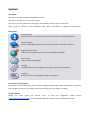
Text Styles
This style is used for text that is displayed on screen.
This style is used for text the user has to type in.
This style is used for hyperlinks to web pages, internal links to other pages in this manual.
This style is used for code examples: XML code, variables or regular expressions.
Pictograms
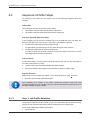
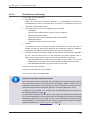
Important Note:
Information that is crucial for the correct functioning of the uniFLOW software.
External Manual:
Pointer to additional manuals for third party hardware or third party software.
Region Specific Feature:
Indicator for uniFLOW features that are not available worldwide.
External Link:
Link to an external web page.
Settings:
Detailed explanation of configuration settings or operational procedures.
Compass:
Path to the menu or configuration page in the software.
Screenshots and Diagrams
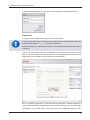
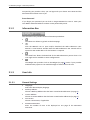
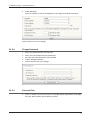
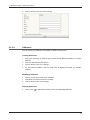
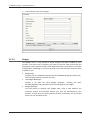
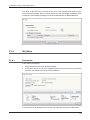
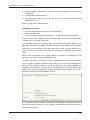
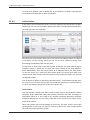
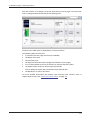
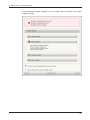
This manual contains screenshots of the software, diagrams explaining relations and pictures of products.
Even though all visuals are up-to-date at the time of writing, they are subject to change.
Send Feedback
Should you come across any relevant errors or have any suggestions please contact
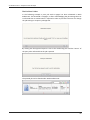
[email protected] or use the Send feedback here button of the uniFLOW Online Help.