1
ACS SASSI PREP User Manual
50
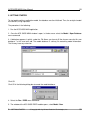
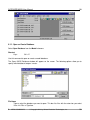
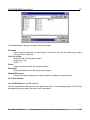
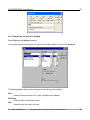
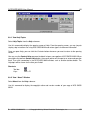
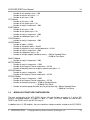
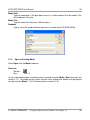
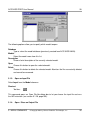
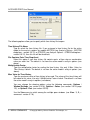
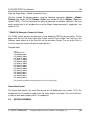
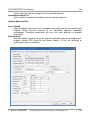
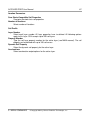
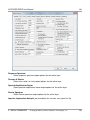
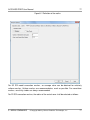
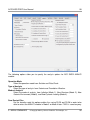
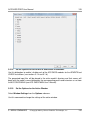
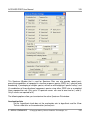
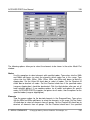
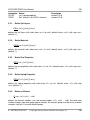
Data File
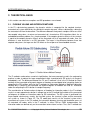
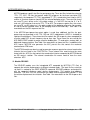
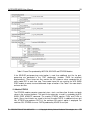
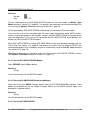
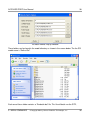
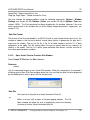
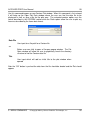
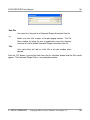
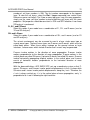
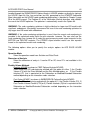
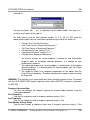
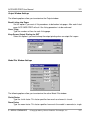
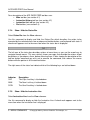
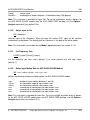
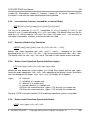
User input for a file path for a Bubble Data file
<<
Button user can click to open a file open popup window. The File
Open window will allow the user to graphically search the directory
structure to find the bubble data file.
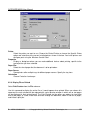
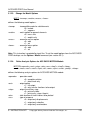
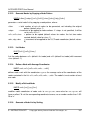
Title
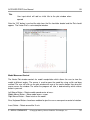
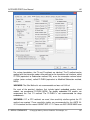
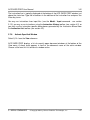
User input which will add an initial title to the plot window when
opened
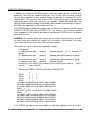
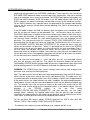
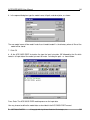
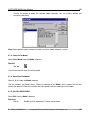
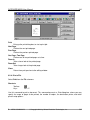
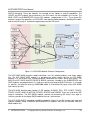
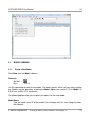
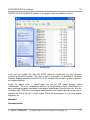
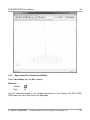
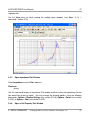
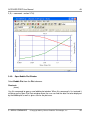
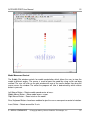
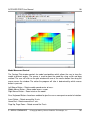
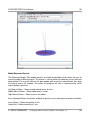
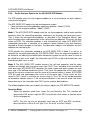
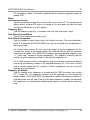
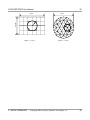
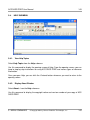
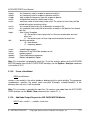
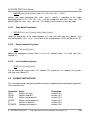
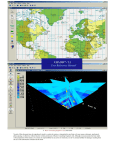
After the “OK” button is pushed the data from the file should be loaded and the Plot should
appear. The Bubble Plot is a stationary plot.
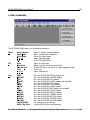
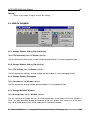
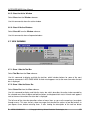
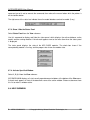
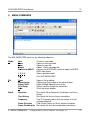
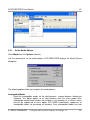
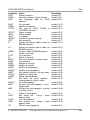
3. MENU COMMANDS
© Copyright 2014 by Ghiocel Predictive Technologies, Inc.
50