1
ACS SASSI MAIN User Manual
62
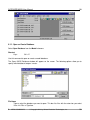
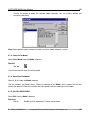
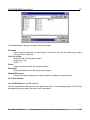
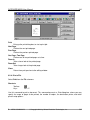
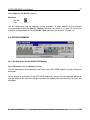
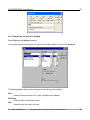
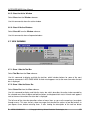
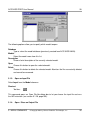
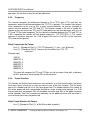
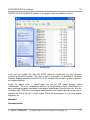
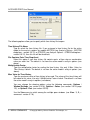
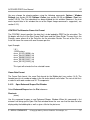
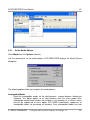
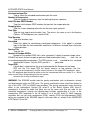
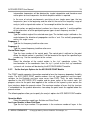
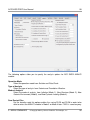
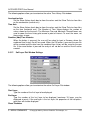
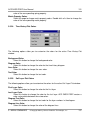
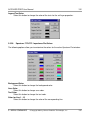
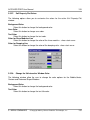
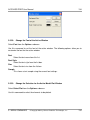
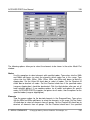
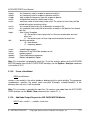
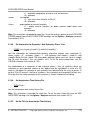
The following options allow you to specify which file to open:
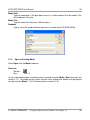
File Name
Type or select the filename you want to open. This box lists files with the extension you select
in the List Files of Type box.
List Files of Type
Select the type of file you want to open:
Output files (*.out)
All files (*.*)
Drives
Select the drive for the file that you want to open.
Directories
Select the directory for the file that you want to open.
Network File Access
Choose this button to connect to a network location, assigning it a new drive letter.
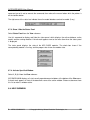
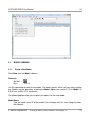
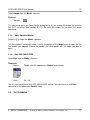
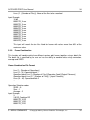
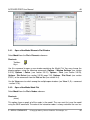
6.2.2. Select Printer
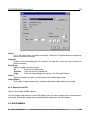
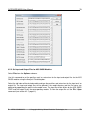
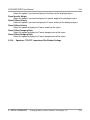
Select Print Setup from the File submenu.
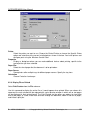
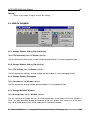
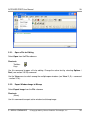
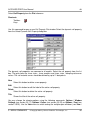
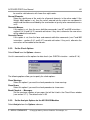
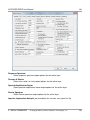
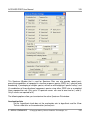
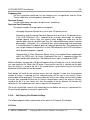
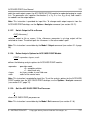
Use this command to select a printer and a printer connection. This command presents a Print Setup
dialog box, where you specify the printer and its connection:
6. MENU COMMANDS
© Copyright 2014 by Ghiocel Predictive Technologies, Inc.
62