1
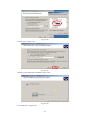
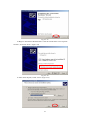
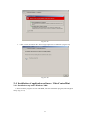
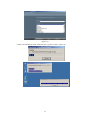
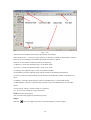
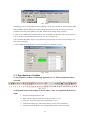
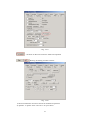
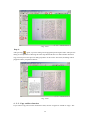
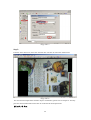
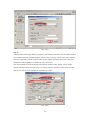
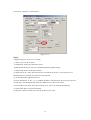
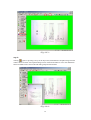
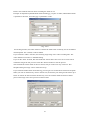
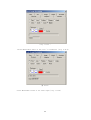
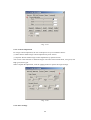
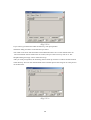
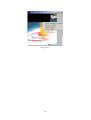
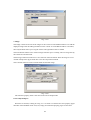
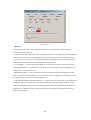
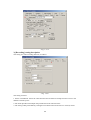
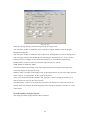
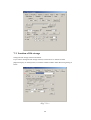
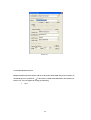
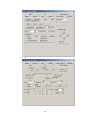
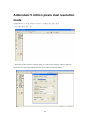
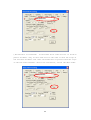
Fig. 7-2-2
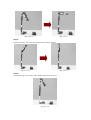
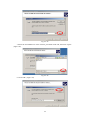
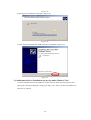
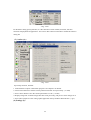
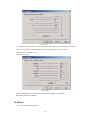
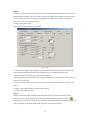
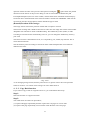
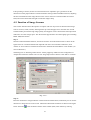
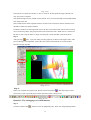
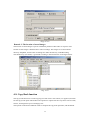
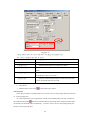
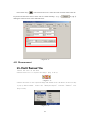
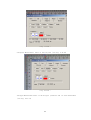
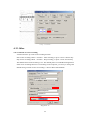
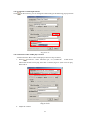
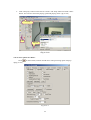
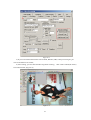
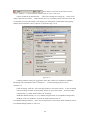
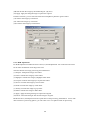
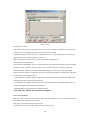
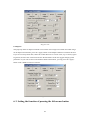
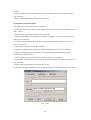
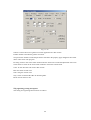
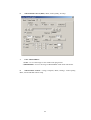
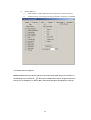
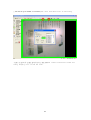
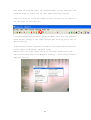
5). Vignelting removall: Click on “ grab black“ to capture a white background. Then select
“vignelting removall “,
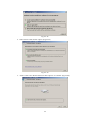
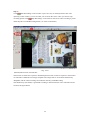
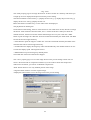
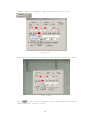
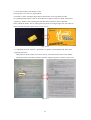
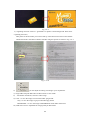
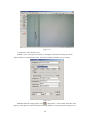
Take photo of the document you want to back up. This function will remove the shadow
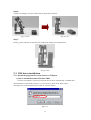
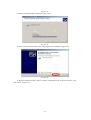
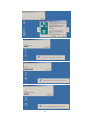
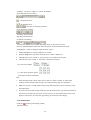
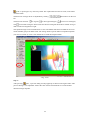
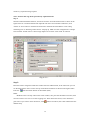
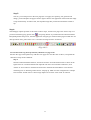
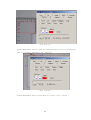
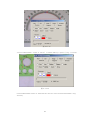
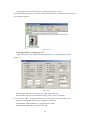
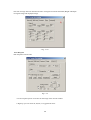
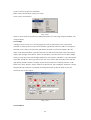
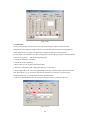
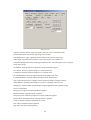
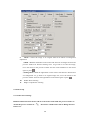
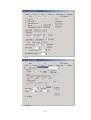
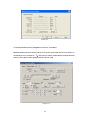
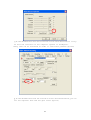
outside the border. The effect of before and after using this option are shown in Fig. 7-2-3.
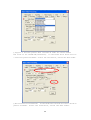
Fig. 7-2--32
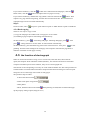
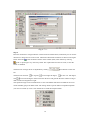
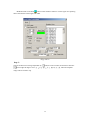
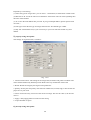
6).
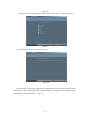
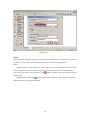
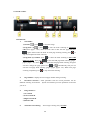
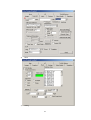
: you can adjust the setting according to your requirement.
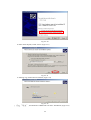
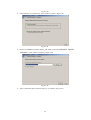
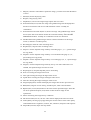
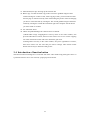
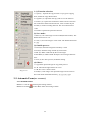
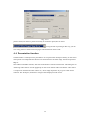
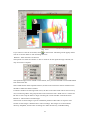
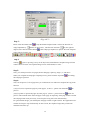
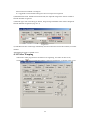
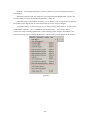
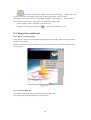
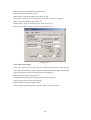
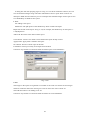
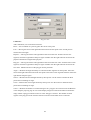
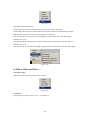
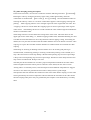
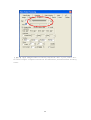
7). Target DPI: Setup the DPI value in Mono mode or color mode.
8).
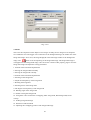
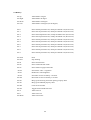
AF AutoX2: Autofocus, twice the video Large.
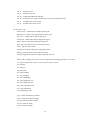
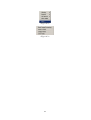
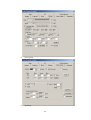
9). Color : To save the image in color mode under Jpeg format.
Gray: To save the image in gray mode under Jpeg format.
Black&White : To save the image in Black&White mode under Tiff format.
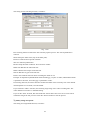
10). B/W Noice Level: Adjustable for image quality at B/W mode.
126