1
2.
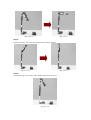
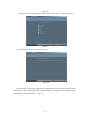
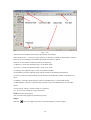
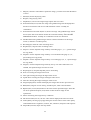
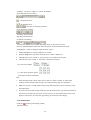
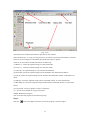
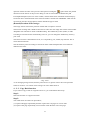
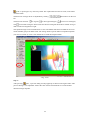
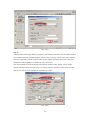
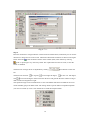
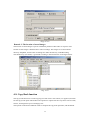
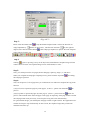
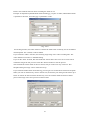
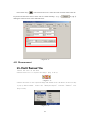
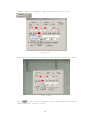
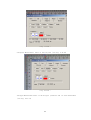
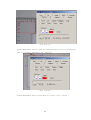
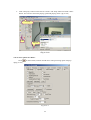
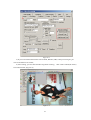
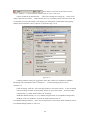
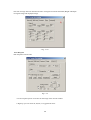
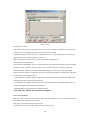
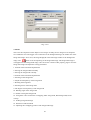
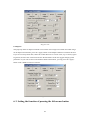
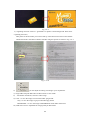
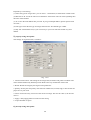
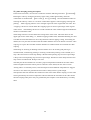
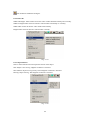
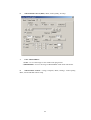
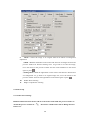
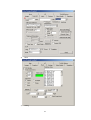
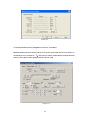
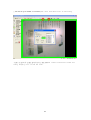
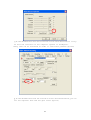
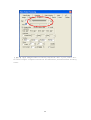
:Four circles in the picture stand for four corners of rectangle, buttons U,D, L, R
are warp directions. For example, select circle in the top left corner , press U button
continiously ,the top left conrner of video will be dragged to up accordingly.
drag to down, press L button—drag to left,
Press D button –
press R button-drag to right.
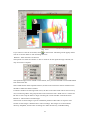
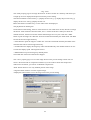
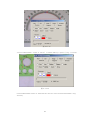
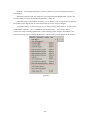
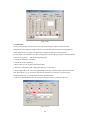
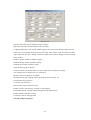
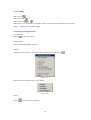
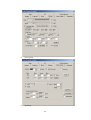
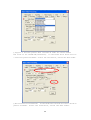
3.After adjusting, select “warp back” to confirm warp
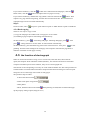
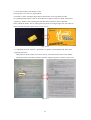
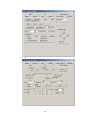
4.Finally save the image, click button
in
the toolbar to finish save job
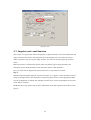
5-2. Images Save and Load
5-2-1. How to start the function
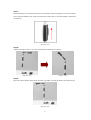
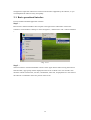
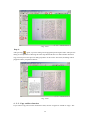
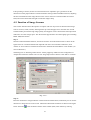
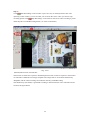
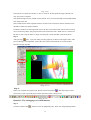
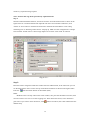
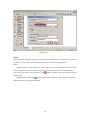
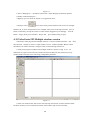
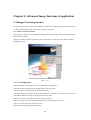
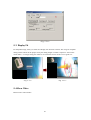
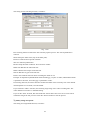
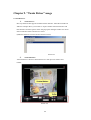
In any process, when you see the Snapshot dialog that show the image. Then you can process the
function on this image.
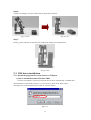
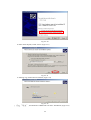
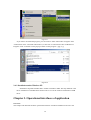
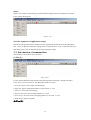
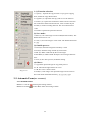
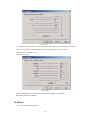
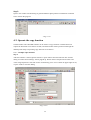
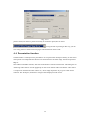
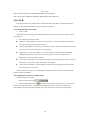
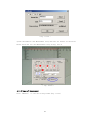
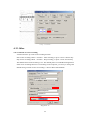
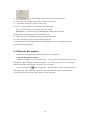
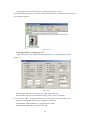
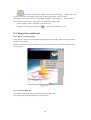
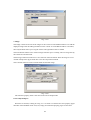
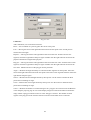
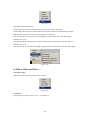
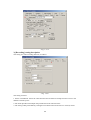
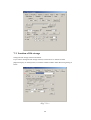
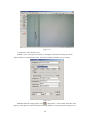
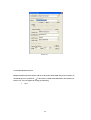
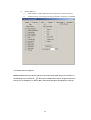
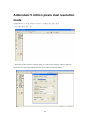
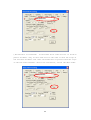
Simply just click the mouse left button twice, it will shown as below. Chose the second selection:
"Save or Load".
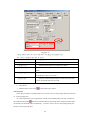
<Fig. 5-2-1>
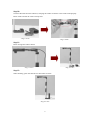
5-2-2. Load the image file
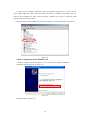
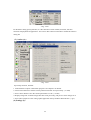
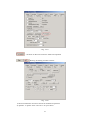
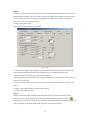
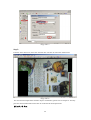
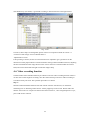
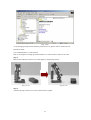
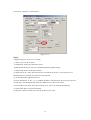
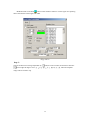
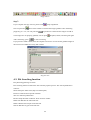
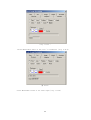
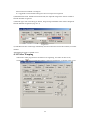
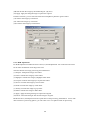
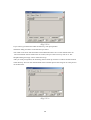
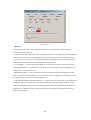
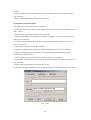
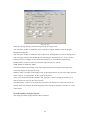
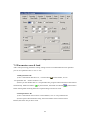
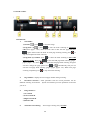
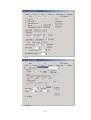
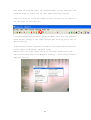
This function includes the load, Save and print out the image files.
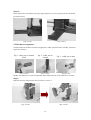
First, click the [File Name] button to get the image file.
107