1
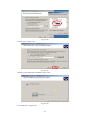
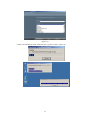
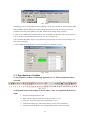
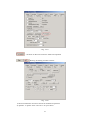
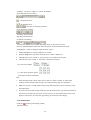
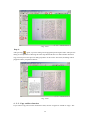
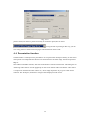
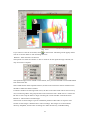
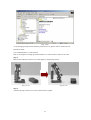
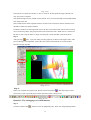
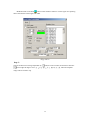
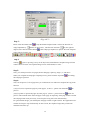
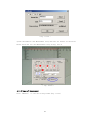
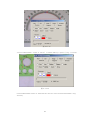
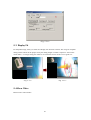
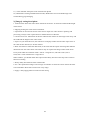
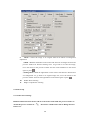
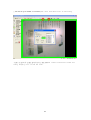
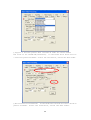
operation will be the same as the previous description. Pressing the
"grab" button the printed
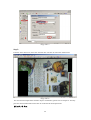
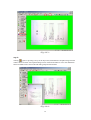
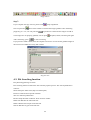
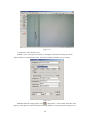
document will be shown on the preview dialog as well as stored under the default file path
D:\Snapshot\Snapshot (more see in the remark). The file folder name is defined automatically by
Greenwich time. The default file name of the file folder is started from A00000001 which will be
increased by one after each snapshot, and the default file type is TIFF.
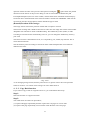
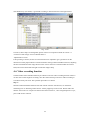
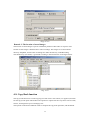
(Remark)Location of file storage:
The image will be stored in the partition of hard disk in sequence of D.E.F.
The location of image file is different from that of video file. The image files will be located under
\SnapShot and video file are under \VideoRecording. The subdirectory name (folder) is made
according to Greenwich time automatically, however, you can change the subdirectory name by
your wish.
The format of name is 20041204121537Z, it is composed by year, month, day and time. The Z
means Greenwich Time.
The sub-directory name according to Greenwich Time could be helpful when travel between
different time zones.
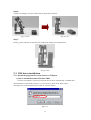
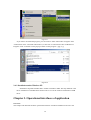
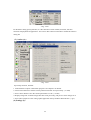
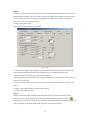
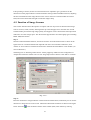
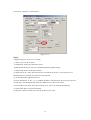
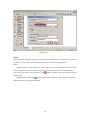
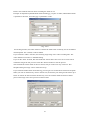
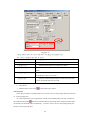
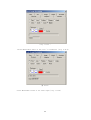
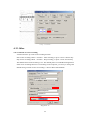
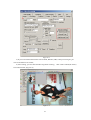
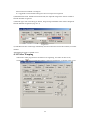
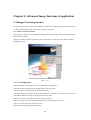
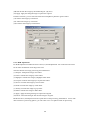
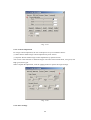
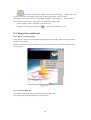
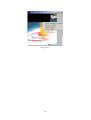
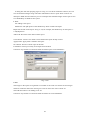
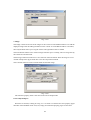
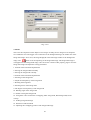
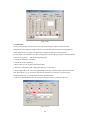
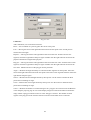
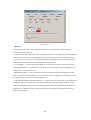
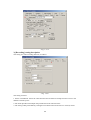
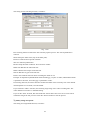
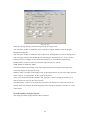
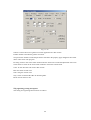
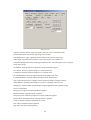
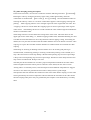
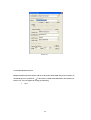
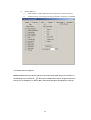
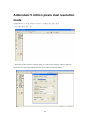
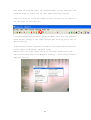
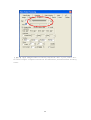
<Fig. 4-2-5>
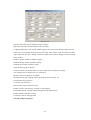
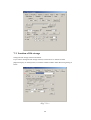
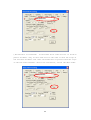
As for changing storage format, directory name and so on, please refer to this User Operation
Guide in section 6-3 "Location of file storage" for more details about it.
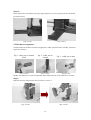
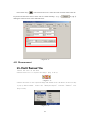
4 - 2 - 3. Copy Book function
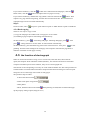
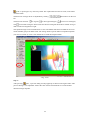
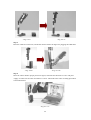
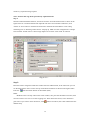
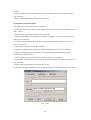
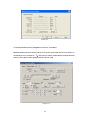
If you want to copy a book or magazine and so on, you could follow those steps.
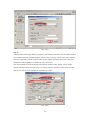
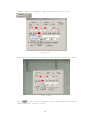
Step 1:
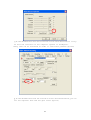
Select the Scanner or CopySave function.
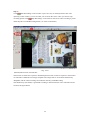
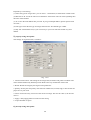
Step 2:
You could select one of the two procedures;
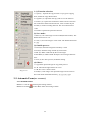
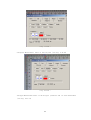
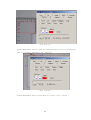
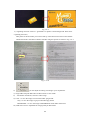
(1) Capture odd pages sequentially and then capture the even pages in reverse order.
(2) Capture each page sequentially. You must then rotate the book 180° each page.
57