1
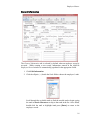
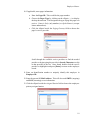
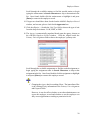
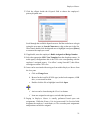
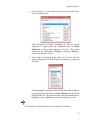
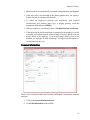
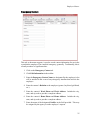
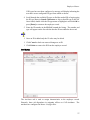
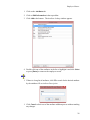
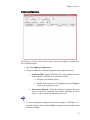
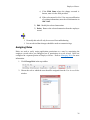
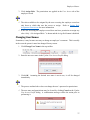
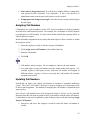
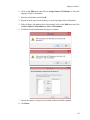
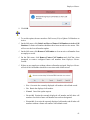
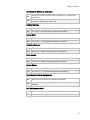
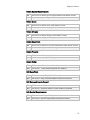
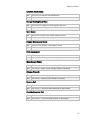
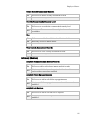
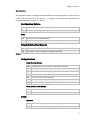
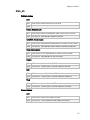
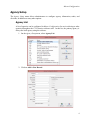
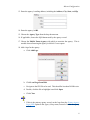
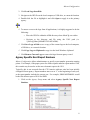
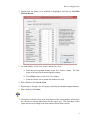
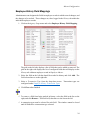
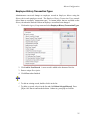
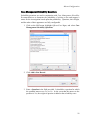
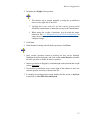
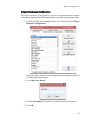
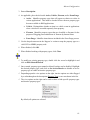
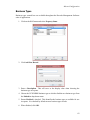
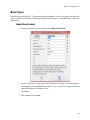
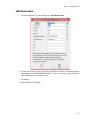
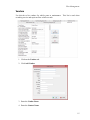
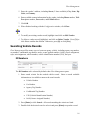
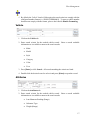
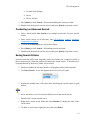
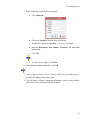
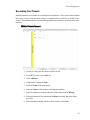
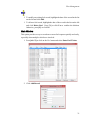
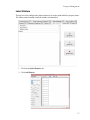
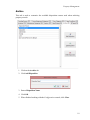
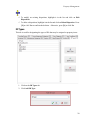
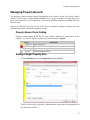
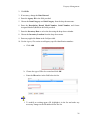
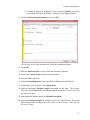
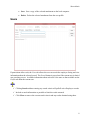
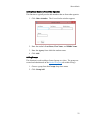
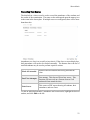
Master Configuration Employee History Field Mappings Administrators can designate the fields in employee records in which to track changes, and the changes to be tracked. These changes are, then, logged in the History tab within the individual employee records. 1. Click on the Agency Setup menu and select Employee History Field Mapping. The grid on the left side displays a list of fields that can be added or removed. The grid on the right side displays the list of configured fields that will display on the History tab within an employee record in Employee Master. 2. Select the field on the left that should be tracked in history and click Add. The field selected moves to the right side. 3. Select a Transaction Type from the drop-down menu. Transaction types are configured under Employee History Transaction Types. 4. Click Close when finished. To remove a field from being tracked in history, select the field in the list on the right, and click Remove. That field will, then move to the list on the left. A transaction type must be selected for each field. The window cannot be closed until all fields have a transaction type selected. 24