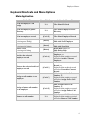
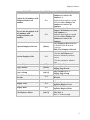
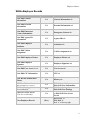
1
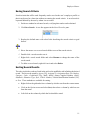
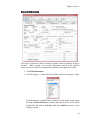
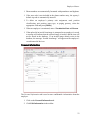
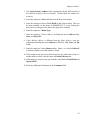
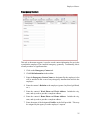
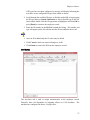
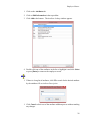
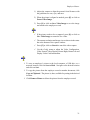
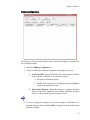
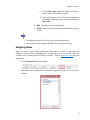
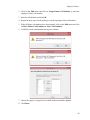
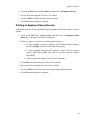
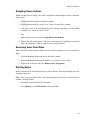
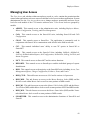
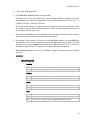
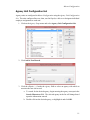
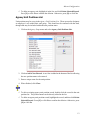
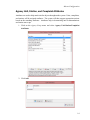
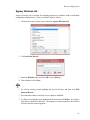
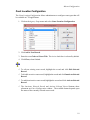
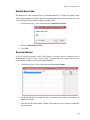
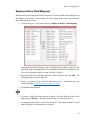
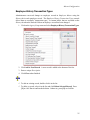
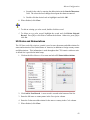
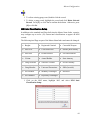
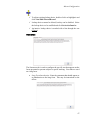
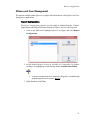
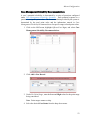
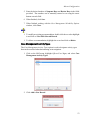
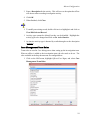
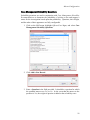
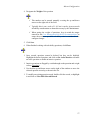
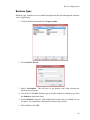
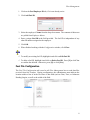
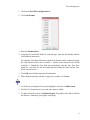
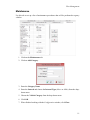
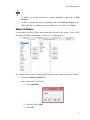
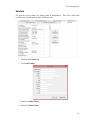
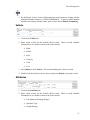
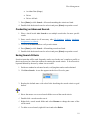
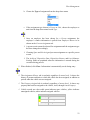
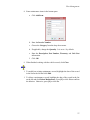
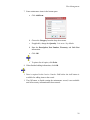
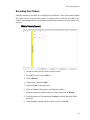
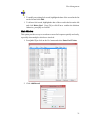
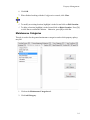
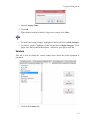
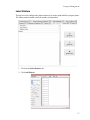
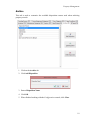
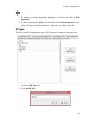
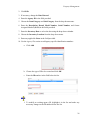
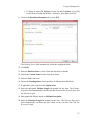
Fleet Management To modify an existing maintenance category, highlight it and click on Edit Category. To delete a maintenance category, highlight it and click on Delete Category. Press [Y] or click Yes to confirm the deletion. Otherwise, press [N] or click [Yes]. Makes & Models Use this tab to record the vehicle makes and models utilized by the agency. These will be the options available when creating a vehicle in Fleet Management. The models shown in Model column depend upon the make chosen in the Make column. 1. Click on the Makes & Models tab. 2. Add a make to the list on the left. a. Click Add Make. b. Enter the vehicle Make. c. Click OK. 12