1
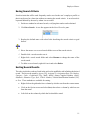
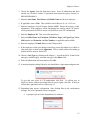
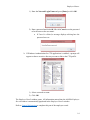
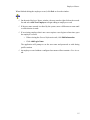
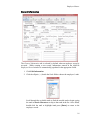
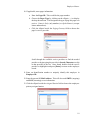
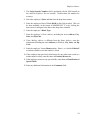
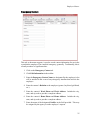
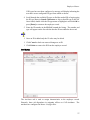
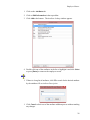
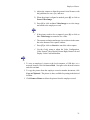
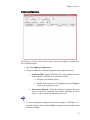
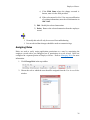
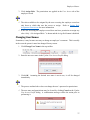
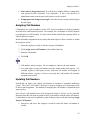
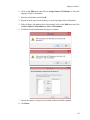
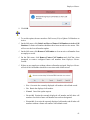
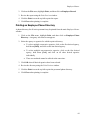
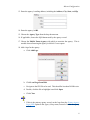
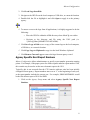
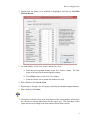
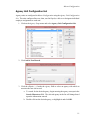
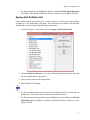
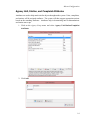
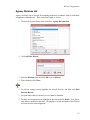
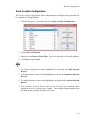
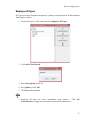
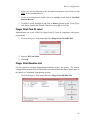
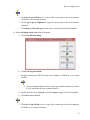
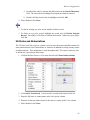
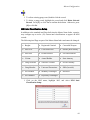
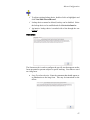
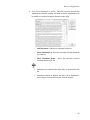
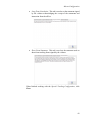
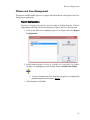
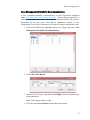
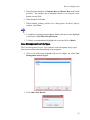
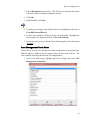
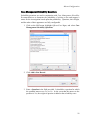
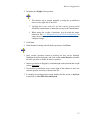
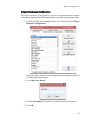
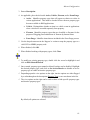
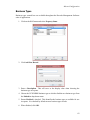
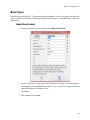
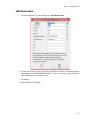
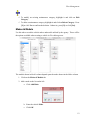
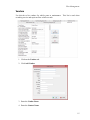
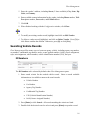
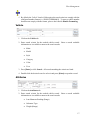
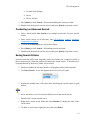
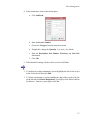
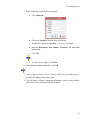
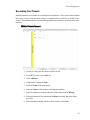
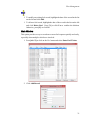
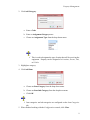
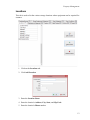
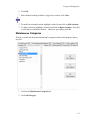
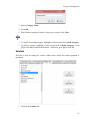
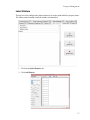
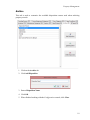
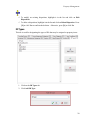
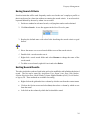
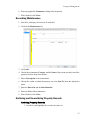
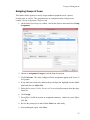
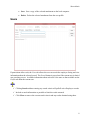
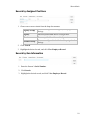
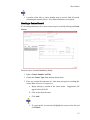
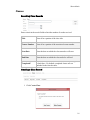
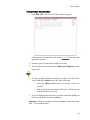
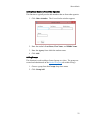
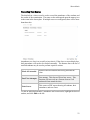
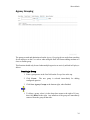
Property Management Once property is assigned to an officer, the Assigned By field is populated with the assigning party’s user name and contact information for the assigned officer will appear. Adding Multiple Property Items This function can be used when more than one of a single item has been purchased. The process assumes that all items to be entered have the same details. 1. Click Add Item(s) and select Multiple Items or press [Alt+M]. 2. Follow the process outlined for Adding a Single Property Item, with one exception. • On the Current Assignment tab, only change the Issue Date, if such is necessary. Leave all other fields as they are. 3. When finished entering item details, click Close. 4. Enter the Total Number of Items to add. 5. Click OK. The designated number of property items are created, including the original. 29