1
Contents
Contents....................................................................................................................................... 2
Chapter 1 Basic Operations.............................................................................................................. 3
Displaying or Exiting VPanel........................................................................................................ 4
Displaying VPanel........................................................................................................................................................................... 4
Exiting VPanel.................................................................................................................................................................................. 4
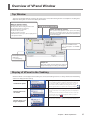
Overview of VPanel Window........................................................................................................ 5
Top Window...................................................................................................................................................................................... 5
Display of VPanel in the Tasktray............................................................................................................................................... 5
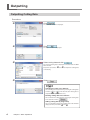
Outputting..................................................................................................................................... 6
Outputting Cutting Data............................................................................................................................................................. 6
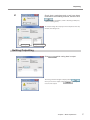
Quitting Outputting...................................................................................................................................................................... 7
Chapter 2 Details............................................................................................................................... 8
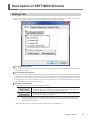
Description of SETTINGS Window.............................................................................................. 9
Settings Tab...................................................................................................................................................................................... 9
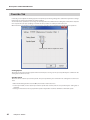
Override Tab...................................................................................................................................................................................10
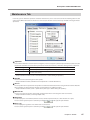
Maintenance Tab..........................................................................................................................................................................11
Correction Tab...............................................................................................................................................................................12
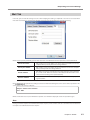
Mail Tab............................................................................................................................................................................................13
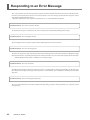
Responding to an Error Message.............................................................................................. 14
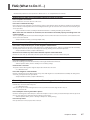
FAQ (What to Do If…)................................................................................................................ 17
Company names and product names are trademarks or registered trademarks of their respective holders.
Copyright © 2010-2011 Roland DG Corporation
Roland DG Corp. has licensed the MMP technology from the TPL Group.
http://www.rolanddg.com/