1
Relaxed User Management
This feature removes the password requirement, and accounts are
not checked against the user database.
If neither data security and protection nor teamwork is an important
issue to you, part of the bureaucratic burden is removed when you
enable the "relaxed user management."
Changes to
ATLAS.INI affect all
computers in a
networked
environment.
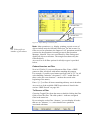
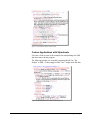
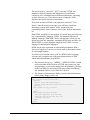
This feature can only be changed by editing the central configuretion file for ALL users, ATLAS.INI. This file resides in the
PROGRAM directory of the ATLAS.ti directory structure and you
need Windows administrator rights to be able to modify this file.
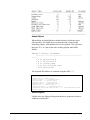
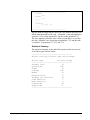
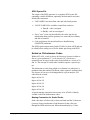
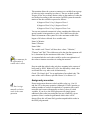
After making a backup copy of ATLAS.INI open it with a plain text
editor (such as Windows Notepad). Under the [lan] section, set the
variable "relaxedUserManagement" to either "enabled" or
"disabled."
Note: Settings in ATLAS.INI affect all clients in a networked
environment. For any changes in ATLAS.INI to take affect,
ATLAS.ti has to be restarted.
A5 User's Guide to ATLAS.ti 5.0
Collaboration • 269