1
Chapter 12
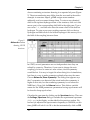
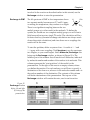
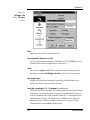
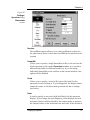
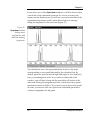
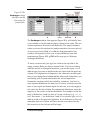
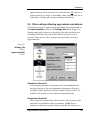
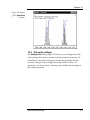
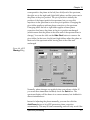
corresponds to the phase at the left (low-field) end of the spectrum,
the right one to the right end (high-field) phase, and the center one to
the phase at the pivot position. The pivot position is initially the
position of the largest peak in the spectrum, but you can click
anywhere in the spectrum to set a new pivot position. Changing the
pivot slider applies a uniform phase correction to the spectrum.
Changing either the left or right slider applies a linear phase
correction that leaves the phase at the pivot position unchanged
(which means that the phase at the other end of the spectrum has to
change). You can also click on the Hide Pivot button to remove the
pivot slider. In that case, the left and right sliders adjust the phase at
their end of the spectrum while leaving that at the other end
unchanged.
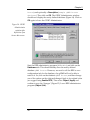
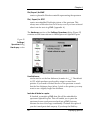
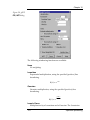
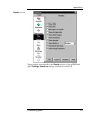
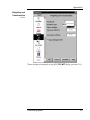
Figure 60. gSPG
Phasing dialog.
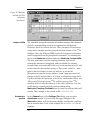
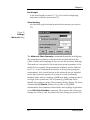
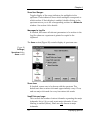
Normally, phase changes are applied when you release a slider. If
you want more immediate feedback, check the Quick box. The
spectrum display will be drawn in a coarser manner, but feedback is
almost instantaneous.
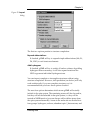
Instead of adjusting the phase manually, you can also click the
AutoPhase button to let gSPG generate a phase correction
automatically. This may be time-consuming, and will only work if the
Spectrum processing
177