1
mTune Quick Start Guide v1.0
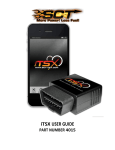
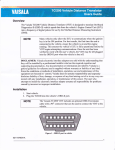
3. Plug the OBD-II cable into the OBD-II port under the dash of vehicle. Then connect the small
end of the OBD-II cable to the port on the bottom of the mTune.
4. Connect the small end of the OBD-II cable to the port on the bottom of the mTune.
5. Make sure the clasp on the OBD-II cable firmly engages with the port.
6. Next, press the ENGINE START/STOP button once to turn on the ignition. The engine should
not be running during this installation process.
7. Select “Install” on the mTune to proceed with installation.