1
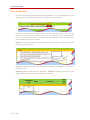
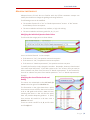
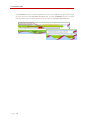
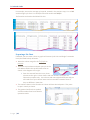
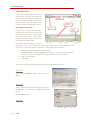
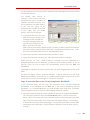
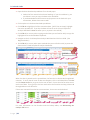
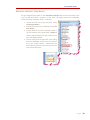
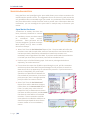
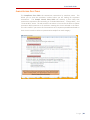
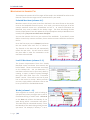
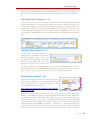
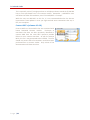
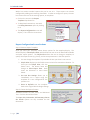
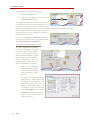
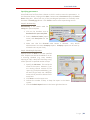
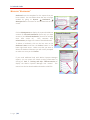
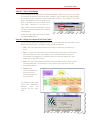
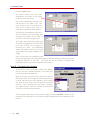
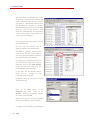
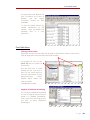
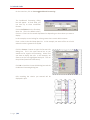
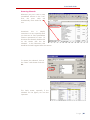
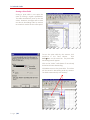
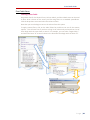
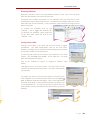
P‐Card Audit Guide MANAGING “BOOKMARKS” Bookmarks are the templates for the reports that you have created. You can delete those that are no longer needed by going to Reports Bookmarks Management on the menu on the left‐hand side of the screen. Click on Management to display the reports divided into sections for Personal Bookmarks (those only you have access to) and Shared Bookmarks (those that multiple users have access to). Only someone with administrator privileges can create a shared bookmark. To delete a bookmark, click on the box next to the Bookmark Name and then the Delete button in the lower right‐hand corner. Make sure that you want to delete the bookmark because you will not be prompted to make sure once you click Delete. If you need additional help with Works Payment Manager reports, you can access the Works training information by clicking on Tools Training and Help Documentation to display the Works Payment Manager user manual. This manual can also be downloaded and saved as a PDF file. P a g e | 56