1
7. Settings
•
•
•
•
•
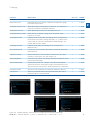
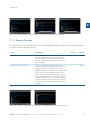
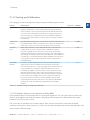
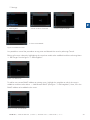
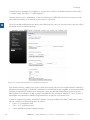
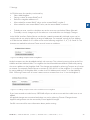
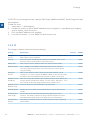
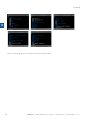
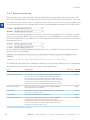
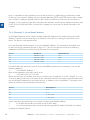
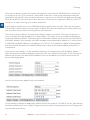
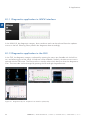
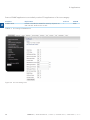
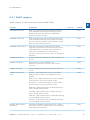
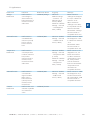
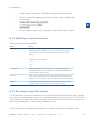
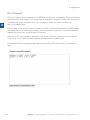
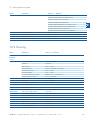
INFO: VRRP is in BACKUP state
INFO: VRRP is in MASTER state
INFO: VRRP is in BACKUP state, cannot connect to Target Radio IP
INFO: VRRP is in FAULT state, cannot connect to Target Local IP
INFO: VRRP is in FAULT state
2
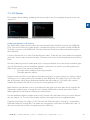
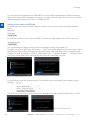
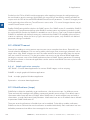
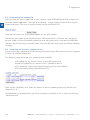
More information about the VRRP process can be found in the Logs -> System Messages page by
searching for entries from process keep alived.
7.6.3Building a redundant network
7.6.3.1Example 1: Redundant master station with one substation
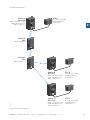
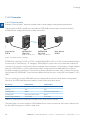
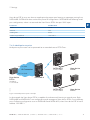
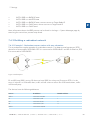
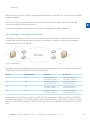
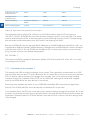
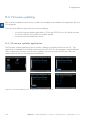
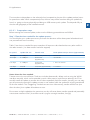
This is perhaps the simplest example of a redundant network. Two data terminal equipment (DTE)
devices are connected by SATELLARs. DTE A is connected to SATELLARs R1 and R2 via Ethernet; DTE
B is connected to SATELLAR R3.
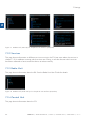
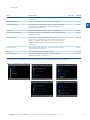
Figure 7.36Example 1
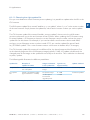
R1 and R2 have VRRP running. R3 does not have VRRP, but it has two IP routes to DTE A. In this
setup, if either R1 or R2 breaks down, traffic will still continue to flow. But if R3 breaks down, traffic
will naturally stop.
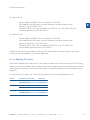
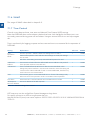
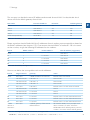
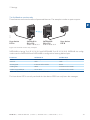
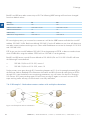
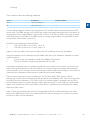
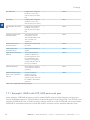
The devices have the following addresses:
Device
IP Address
RMAC Address
DTE A
192.168.1.100/24
-
R1
192.168.1.1/24
1
R2
192.168.1.2/24
2
R3
192.168.3.1/24
3
DTE B
192.168.3.100/24
-
SATEL OY // SATELLAR MANUAL // PART II // CENTRAL UNIT // USER GUIDE // V. 1.5
83