1
tUniservBTGeneric
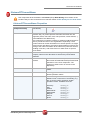
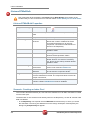
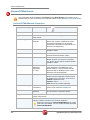
Limitation/Prerequisites To be able to use the tUniservBTGeneric component the Uniserv
software DQ Batch Suite must be installed.
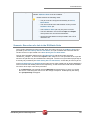
Please observe the following notes:
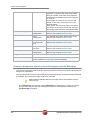
• The job must be configured executably in the DQ
Batch Suite.
• The user must have the authorization to carry out the
DQ Batch Suite job.
• The DQ Batch Suite job may only have one line.
• The files defined in the functions Input and Output
must posses the record format delimiter.
• Input and output data must be provided in the UTF-8
character set.
Scenario: Execution of a Job in the DQ Batch Suite
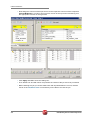
This scenario describes a batch job with which the input source for a DQ Batch Suite job is
provided by the Data Quality Service Hub Studio, the job is started and executed and the
results can then be processed in the Data Quality Service Hub Studio.
The job was completely defined in the DQ Batch Suite and saved under the name
"BTGeneric_Sample". In the function Input the file "btinput.csv" was specified as the input file
saved in the job directory and all fields were assigned. The file is not yet existent physically as
it will only be provided by the Data Quality Service Hub Studio, so that the job cannot yet run.
In the Data Quality Service Hub Studio the input source (here a table from an Oracle data base)
for this scenario was already saved in the Repository, so that all schema meta data is available.
Of course other steps could have preceded.
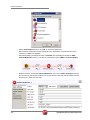
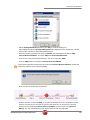
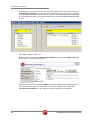
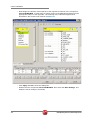
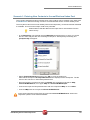
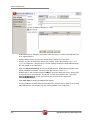
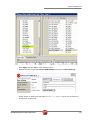
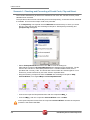
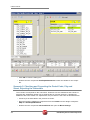
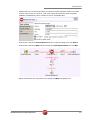
• In the Repository view expand the tree Meta data and the directory in which you saved
the source. Then drag this source into the design workspace. Subsequently the dialog
box [Components] will appear.
Data Quality Service Hub Components
283