1
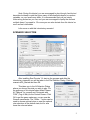
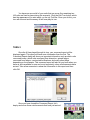
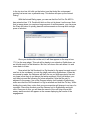
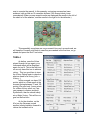
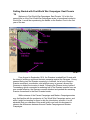
Your first Command Report will appear with
information relevant to the first turn. Note its contents
and click OK to close it. While there isn’t much
information this time, you will notice when the second
turn starts you will have much more information present
in this report.
OBJECTIVE OF THE GAME
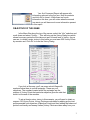
In the Menu Bar along the top of the screen, select the “Info” selection and
scroll down and select “Victory…” This will bring up the Victory Dialog box which
shows how many points the first side must earn for each level of victory. As you
can see, to obtain a major victory in this battle you must earn 550 Victory Points
by scenario end. Click OK to close the Victory Dialog.
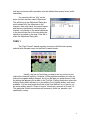
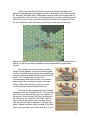
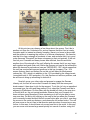
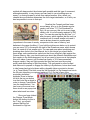
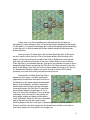
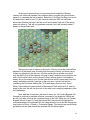
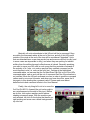
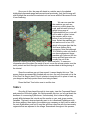
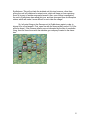
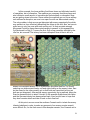
If you look at the map, you’ll see some colorful flags with
numbers below them in a small rectangle. These are your
objectives. The numbers located within the rectangle are the
number of Victory Points that particular objective gives the side that
holds it at the end of the scenario.
To win at least a minor victory in this scenario, you will need to obtain or
surpass 125 Victory Points. Victory Points are calculated by adding up the total
points awarded from objectives (Objective Points) and then adding the balance of
points from friendly and enemy losses (Victory Points are taken away from your
3