1
Accessing the tool
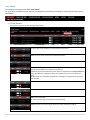
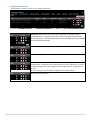
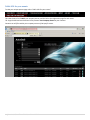
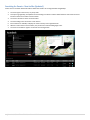
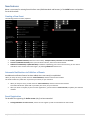
For Autodesk Partners, Login is from the Autodesk Partner Portal.
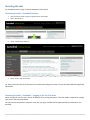
Accessing the tool – Autodesk Partners
1.
2.
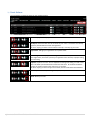
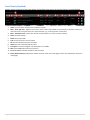
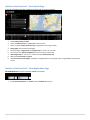
Login to partner Portal, using your regular Partner Portal Login
select “News/Events”
3.
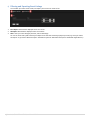
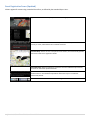
select “Global Event Platform“
4.
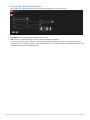
Select “Create, edit, view events”
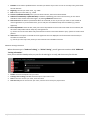
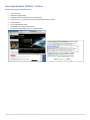
Tip: Here you will find the link to the new tool to create and manage your events. You will also find additional supporting
information.
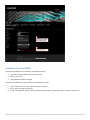
Accessing the tool – Autodesk – Logging in for the first time.
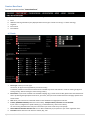
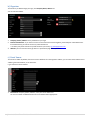
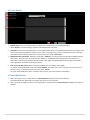
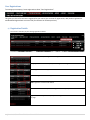
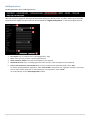
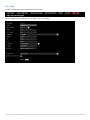
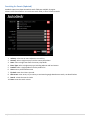
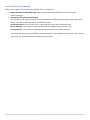
When you login for the first time, you will be asked to fill in missing information. This information is required to manage
your events. See screenshot below.
You only need to complete this step once: next time you login, the fields will be populated with the information you
provided.
3 | Autodesk Global Event Publisher Manual 2013