1
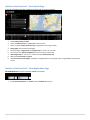
b) Event Actions:
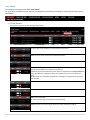
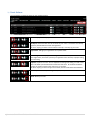
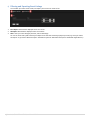
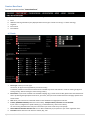
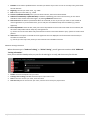
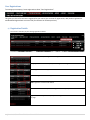
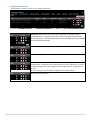
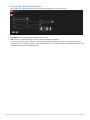
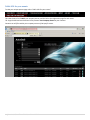
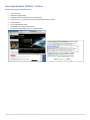
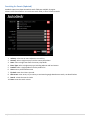
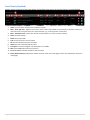
You can perform a number of actions on your existing event(s).
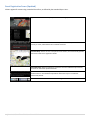
Details: Display a summary of your event details.
PDF Export: Download a PDF with all the details of your event. If customers have already
registered, the PDF will also contain the registrants.
TIP: this is useful if you want to send someone internally a summary of your event.
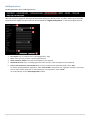
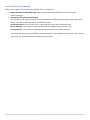
Registrations: Manage your registrations for a specific event.
Internal Registration: Display your event registration form. This is your internal URL for
event registrations, this shows you how your registration form will look, to people visiting
the event listing.
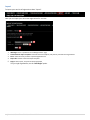
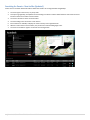
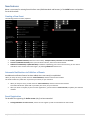
Duplicate: Duplicate an event. You can duplicate an existing event listing, to create a new
event. All details you entered will be stored in the new event. Go to edit and make the
changes you need to change to the new event, e.g. the date.
TIP: this is useful if you are running an event series, with the same details and new dates.
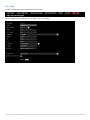
Edit: Edit your event details, including Venue, Date, Time, Event name.
Delete: Delete your event.
7 | Autodesk Global Event Publisher Manual 2013