1
MultiTrans 4.4 Translator Training Guide
TABS
Search
TextBases
Terminology
Lesson 2 - Using the TextBase
Description
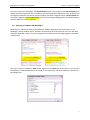
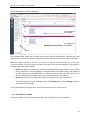
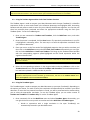
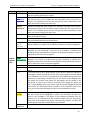
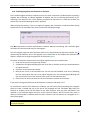
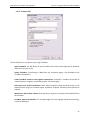
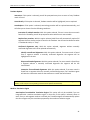
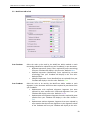
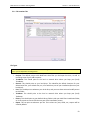
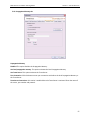
This tab is automatically selected when you open a TextBase Search session. It
contains:
• a blank Search field in which you can enter your search criteria;
• a Search Options button that opens a window that allows you to define the
type of search you want to perform, and
• a Search Results pane that displays the instances where your expression has
been found as well as the files in which it appears.
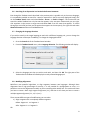
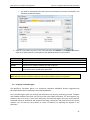
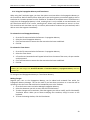
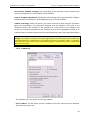
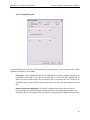
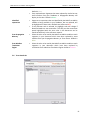
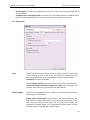
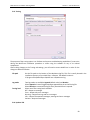
This tab contains information about each open TextBase. If you have opened multiple
TextBases, you can click on the drop-down list to select a different one. The TextBase
tab is divided into two sub-tabs located at the bottom of the pane:
• The File List sub-tab which displays a list of the source and target documents
included in the selected TextBase.
• The Alignment sub-tab which displays a list of the alignments created
between the source and target language documents.
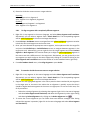
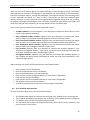
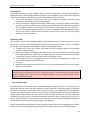
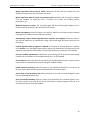
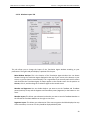
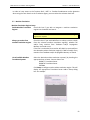
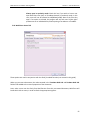
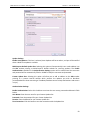
This tab displays terms or expressions found in the selected TextBase and their
frequency. A paperclip icon beside a term indicates that this term exists in a
TermBase. The Terminology tab is divided into two sub-tabs located at the bottom of
this pane as follows:
• The Word Count sub-tab which displays all the single words in the selected
TextBase and their frequency.
• The Term Count sub-tab which displays all expressions longer than one word
that reoccur more than once. You can locate a specific expression in the
TextBase by double-clicking on it.
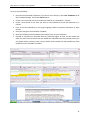
2.4. Searching in TextBases
One of the most powerful functionalities of MultiTrans is the ability to find expressions and their
equivalencies in your reference documents, which can then be added to a TermBase. When searching,
the search is performed in the source language of the open TextBases.
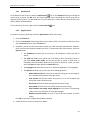
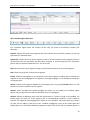
To search in all open TextBases:
1. Go to the Search tab of the TextBase Search window.
2. Type the word or expression in the Search field.
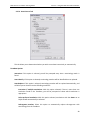
3. Click the Search Options button to open the dialogue box from which you will select the desired
search parameters.
5