1
6–6
Tuning the Loops
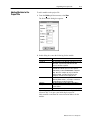
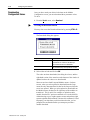
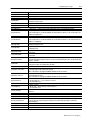
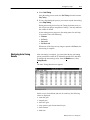
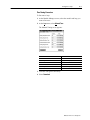
You must scroll horizontally to view all columns. The slope,
time-constant, and dead-time values are the measured process
dynamics that the module uses together with the system response
(slow, medium, or fast) you enter at the Loop Configuration screen
to calculate the PID gains (controller gain, integral gain, and
derivative gain).
Downloading Tuning
Results
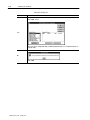
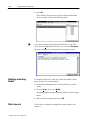
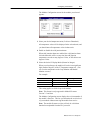
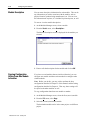
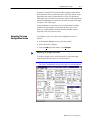
When you select Download from the Loop or Module menu on the
Tuning Results screen, you are prompted to select either PID values
or system dynamics values.
If you select:
Then:
PID values
the proportional, integral, and derivative gains for
heating and cooling are downloaded.
System Dynamics values
the gain, deadtime, and time constant values for
heating and cooling are downloaded.
The parameters on this screen are divided into two groups because
downloading the System Dynamics values automatically causes the
module to recalculate the PID values.
FineTuning the Loops
Set Point
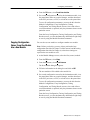
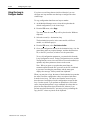
After auto-tuning, you may want to fine-tune the loops. As you
fine-tune a loop, first try adjusting the controller gain; this will have
the greatest impact. Your second choice for adjustment should be the
integral gain. The derivative gain should be the last choice for
fine-tuning a loop.
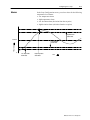
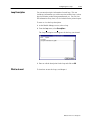
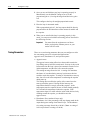
If the loop has a problem overshooting the set point, you may be
able to improve the loop response by doing one or more of the
following (in order of effectiveness):
1. decrease the controller gain
2. decrease the integral gain
3. increase the derivative gain
Set Point
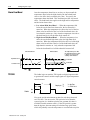
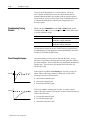
If the loop is slow in reaching the set point, you may be able to
improve the loop response by doing one or more of the following (in
order of effectiveness):
1. increase the controller gain
2. increase the integral gain
3. decrease the derivative gain
Publication 17716.4.5 - January 1997