1
Chapter
8
Documenting Projects,
Modules, and Loops
This chapter shows you how to use the Temperature Control Module
Configuration software to produce a printed record of your system,
including descriptive information for each project, module, and loop,
as well as the values of all configuration parameters. This includes:
• reports
• printing or viewing an entire project
• printing a single module or loop
Reports
You can generate reports for an entire project, an individual module
(including its loops), or an individual loop. Each section of the
report includes a header showing the name of the item and its
descriptive information, and a list of all the parameters that are part
of the item, with the current value of each parameter also listed.
You can print reports on a printer attached to your computer, using
the Print option, or you can view them on the screen, using the Print
Preview option. These reports can display either the online (i.e. PLC
processor) data values, or the offline (i.e. File) data values.
Printing or Viewing an
Entire Project
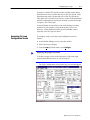
To print or view an entire project:
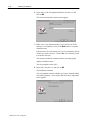
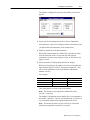
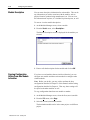
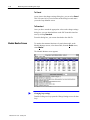
1. Open the Module Manager screen on the desired project.
2. From the Project menu, select Print to produce a printed report, or
Print Preview to view the report on the screen.
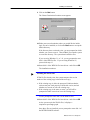
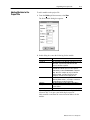
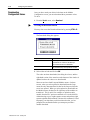
A dialog box appears, prompting you to select File or PLC.
3. Select the set of values you wish to document.
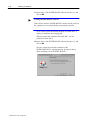
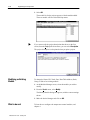
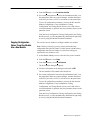
The Print dialog box appears.
4. Make sure the All box is checked; if you are printing to a printer,
be sure the printer information is correct and click on OK.
The report is printed or displayed on the screen.
Publication 17716.4.5 - January 1997