1
Tool Settings
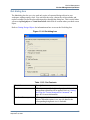
Altera MegaWizard
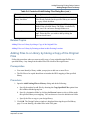
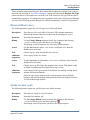
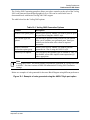
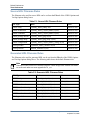
The source files for the Altera LPM and ATOM models (including all required ATOM device
family files, for example, apex20ke_atoms.vhd) must be compiled for your downstream
simulator in order to use Quartus.
These files can be found in the ../quartus/eda/sim_lib subdirectory of the Altera installation.
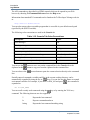
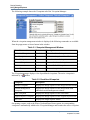
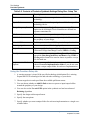
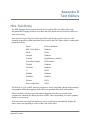
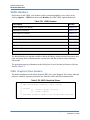
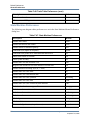
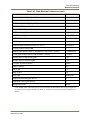
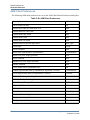
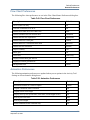
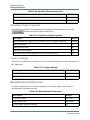
The following files should be compiled:
LPM Models
ATOM Models
VHDL
220pack.vhd
220model.vhd
<family>_components.vhd
<family>_atoms.vhd
Verilog
220model.v
<family>_atoms.v
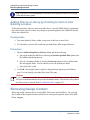
These libraries should be compiled outside the HDL Designer Series tool and be setup as
Protected libraries in the library mapping.
This can be done by setting the Protected Library option in the New Library wizard. Refer to
“Creating a Library Mapping” on page 57 for information about library mapping and setting up
protected libraries.
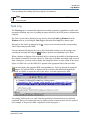
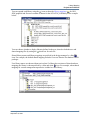
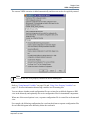
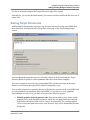
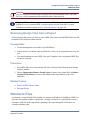
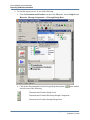
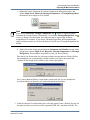
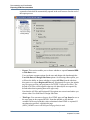
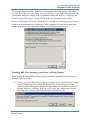
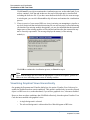
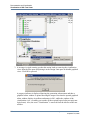
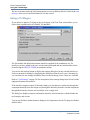
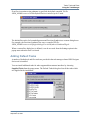
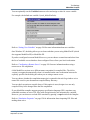
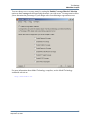
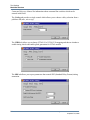
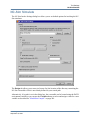
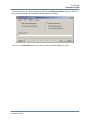
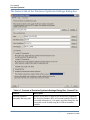
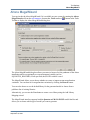
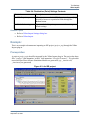
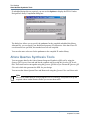
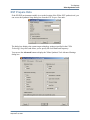
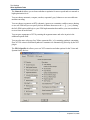
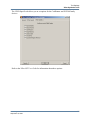
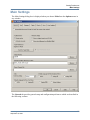
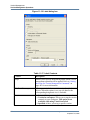
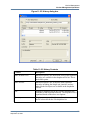
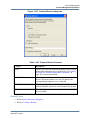
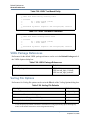
The MegaWizard is invoked when you confirm the Altera MegaWizard settings dialog box and
allows you to Create a new custom megafunction variation.
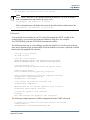
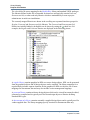
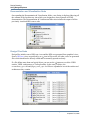
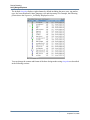
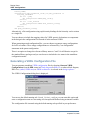
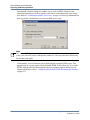
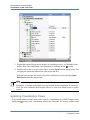
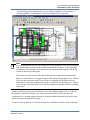
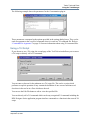
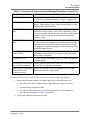
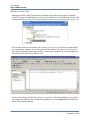
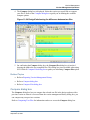
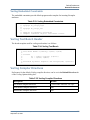
All generated files are arranged in the Side Data Pane and are automatically integrated into both
the synthesis and simulation flow. The test bench side data is imported as well (stimulus files).
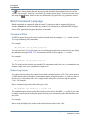
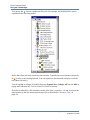
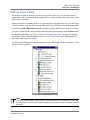
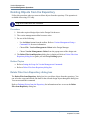
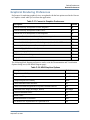
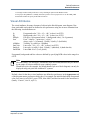
Side data is organized into the following folders:
342
•
Quartus: Quartus specific files (block files and parameters) not used automatically in the
flow.
•
Matlab: Matlab generated models.
•
Synthesis:
o
A folder named Encrypted containing encrypted and ocp files.
o
encryptedlist.rpt listing encrypted files
o
A folder named constraints containing the constraints Tcl file.
HDL Designer Series User Manual, V2008.1
September 18, 2008