1
ECS/BAS Administrator Guide
Creating Custom Call Answering Services
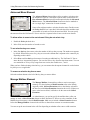
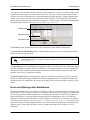
Using and deleting links
If you link two elements and then change your mind, you can delete the link and reuse the element in the
service.
To delete a link between two elements
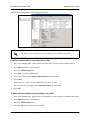
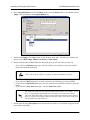
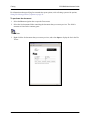
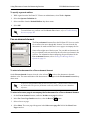
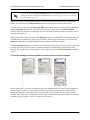
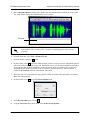
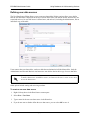
1. Right-click the connector pin linking the two elements that you want to separate.
2. Select Delete link to delete the link.
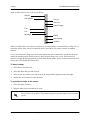
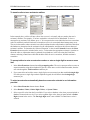
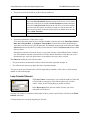
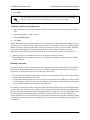
When you delete a link between two elements, the elements are no longer connected on the canvas. At first
glance, one of the elements seems to have been deleted because it disappears from the place it occupied in
the call flow. The element is repositioned at the bottom-left corner of the canvas. From there, you can
connect it elsewhere in the call flow by linking it with another existing element.
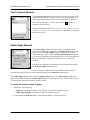
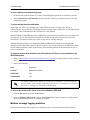
To link existing elements
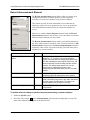
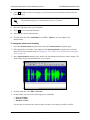
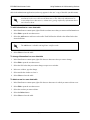
1. Select and drag from the connector pin to the icon of the element that you want to link.
2. Release the mouse button to link the elements.If you link an element and then decide that you no
longer want to include it in the call flow, you can delete the element from the canvas.
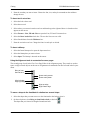
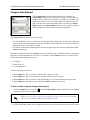
To delete an element from the canvas
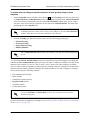
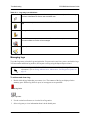
1. Select the icon of the element that you want to delete to highlight the element.
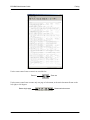
Delete
2. Select Delete on the toolbar to delete the element from the canvas, or press the Delete key.
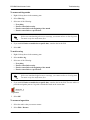
Creating loop-back links
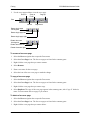
A loop-back link returns a call to a preceding element in the call flow. Loop-back links are useful for
619510001-1D
Copyright © 2013 ADTRAN, Inc.
261