1
ECS/BAS Administrator Guide
Setting System-Wide Options
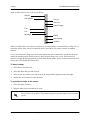
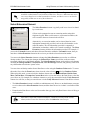
indicate that they have finished entering their fax number or to cancel the operation.
You can specify the number of times callers are allowed to attempt to enter their fax number, as well as the
interval between attempts. You can also specify the number of simultaneous faxes that the user can send.
For more information on faxing, refer to Faxing on page 205.
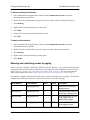
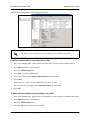
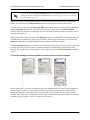
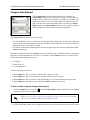
To set the minimum and maximum number of digits for local fax-on-demand services
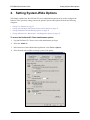
1. In the menu bar of the Administrator application, select Tools > Options.
2. Select the Fax-on-demand tab.
3. In the Local phone number boxes, select the minimum and maximum digits for fax-on-demand
services.
4. Select OK.
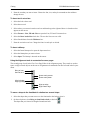
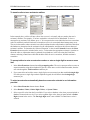
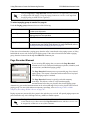
To make fax-on-demand services available to long distance callers
1. In the menu bar of the Administrator application, select Tools > Options.
2. Select the Fax-on-demand tab.
3. Check the Enable long distance phone numbers check box.
4. Select the minimum and maximum number of digits for Fax-on-demand services for long distance
phone numbers.
5. Select OK.
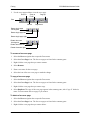
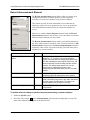
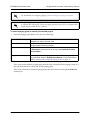
To specify keys to signal the end of caller input and to cancel a fax-on-demand request
1. In the menu bar of the Administrator application, select Tools > Options.
2. Select the Fax-on-demand tab.
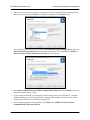
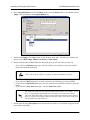
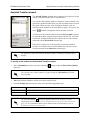
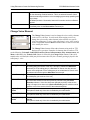
3. Select Advanced... to open the Advanced Fax-on-demand Options menu box.
4. From the End of input drop-down menu, select the key that callers can press to signal that they have
finished entering their fax number.
5. From the Cancel drop-down menu, select the key that callers can press to cancel their fax-on-demand
request.
6. Select OK.
619510001-1D
Copyright © 2013 ADTRAN, Inc.
31